FILE P7 / FOR JOURNALISTS
A photo vault built for journalists who carry sensitive material on iPhone
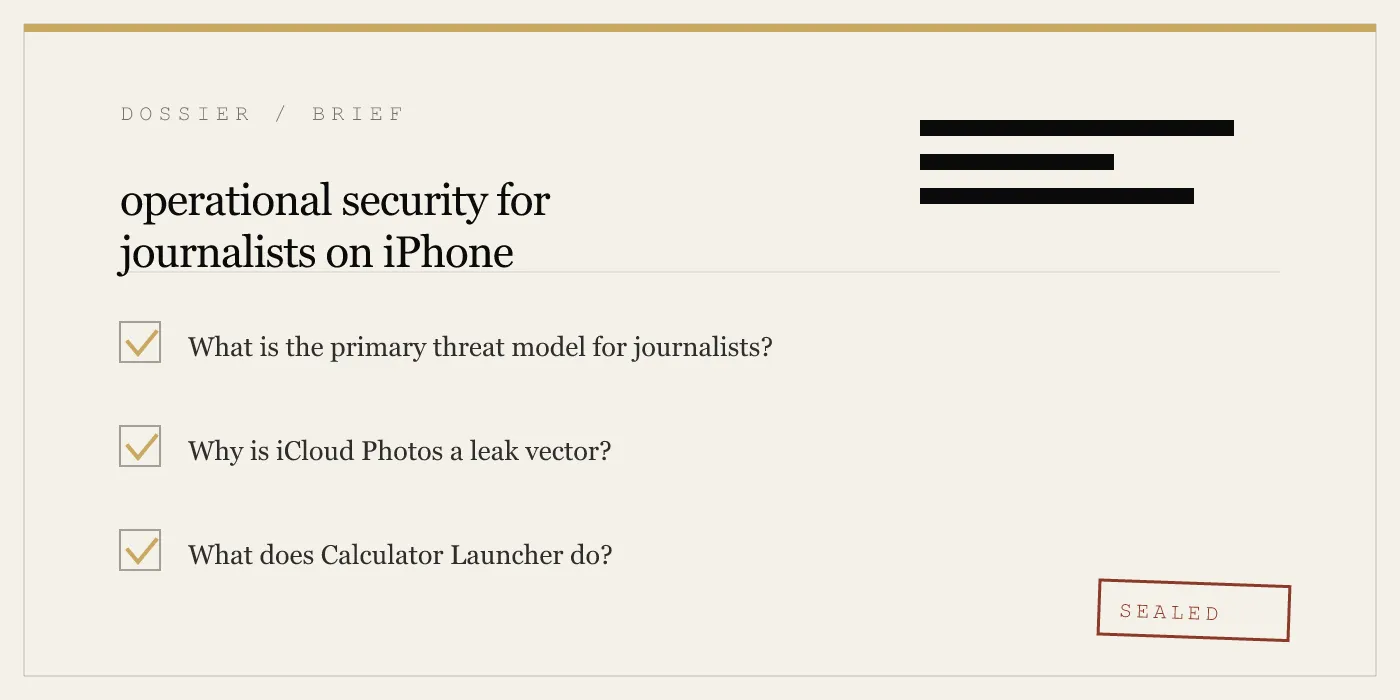
Working journalists covering conflict zones or politically sensitive beats face a specific threat: device seizure at borders, checkpoint stops, and office raids. App-Vault gives you an operational layer between your source material and anyone who can physically touch your phone.
UPDATED · 2026-05-16 · REVIEWED BY APP-VAULT
TL;DR
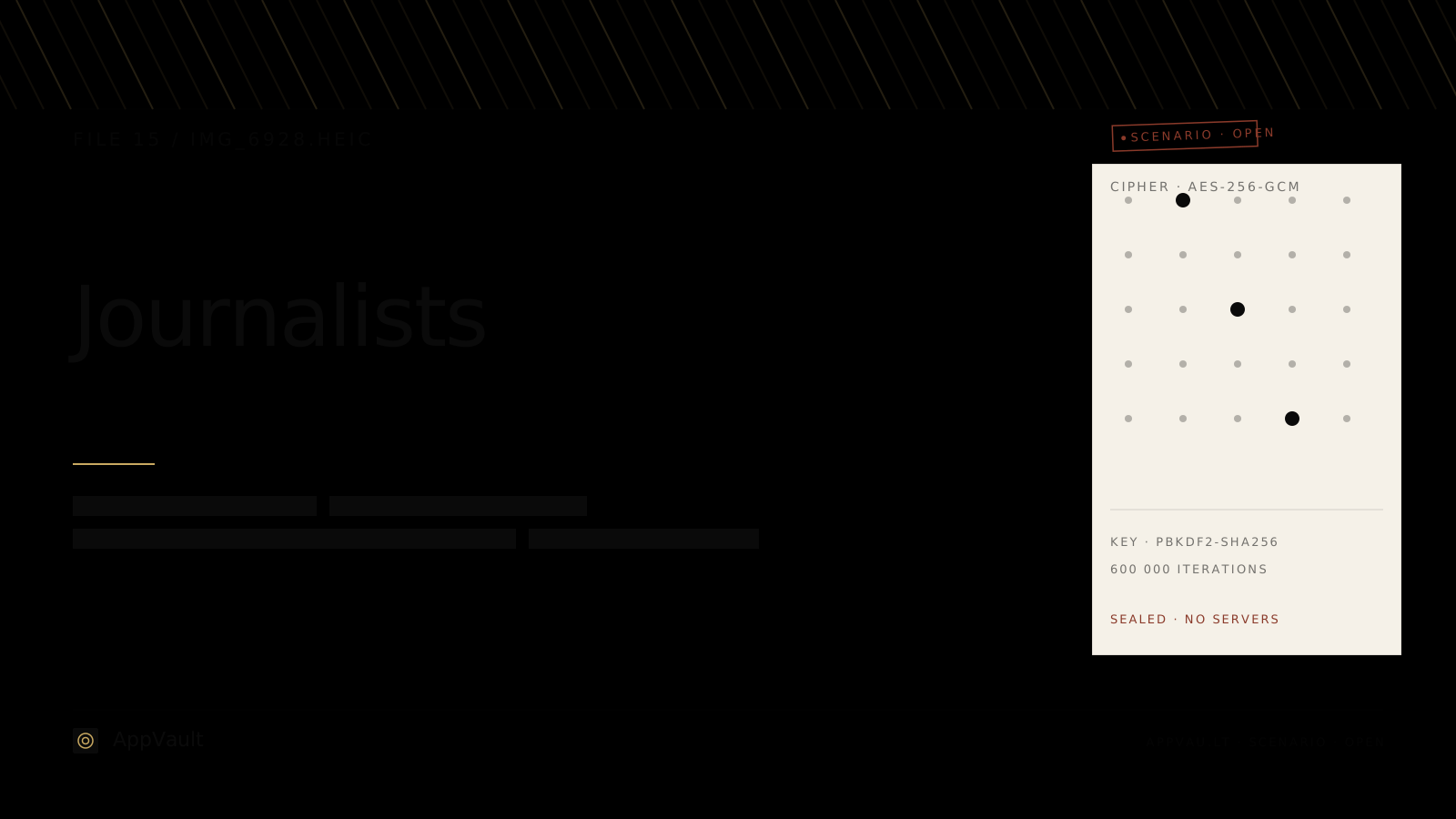
App-Vault encrypts photos, notes, and contact lists behind a calculator-icon app using AES-256-GCM with keys wrapped by the iPhone Secure Enclave. For journalists, the threat is not a hacked server — it is a customs officer scrolling your camera roll. App-Vault's Calculator Launcher and Decoy Vault exist for that moment.
The threat is physical
Most privacy tools assume the adversary is remote — a hacker, a data broker, a government agency tapping fiber. For journalists covering conflict zones, authoritarian states, or organized crime, the adversary is the person standing in front of you at the checkpoint, holding your phone.
The threat model is simple: an officer takes your device into a back room, or scrolls through it at the border, or confiscates it during a raid. They open Photos. They see the image of the protester whose face you promised to protect. They see the contact list with the source’s real name. They see the GPS-tagged photo of the meeting location.
No end-to-end encrypted messaging app protects what is already on the device. Signal, WhatsApp, and iMessage protect data in transit. App-Vault protects data at rest — the photos, notes, and files that live on the phone itself.
Read the full threat model for what App-Vault defends against and what it does not.
Why iCloud Photos defeats on-device protection
iCloud Photos syncs your entire camera roll to Apple’s servers. If you use iCloud Photos — and most iPhone users do — then every photo you take is uploaded, often within minutes, over whatever network the phone can reach.
For a journalist, this means:
- The photo you took of the source meeting is on Apple’s servers, protected by Apple’s key hierarchy, not yours.
- A border officer who forces you to unlock the phone can scroll through the synced library. The on-device encryption is irrelevant once the device is unlocked.
- If Apple receives a legal demand, the photos are accessible. Apple publishes a transparency report. The data exists.
App-Vault stores files locally, encrypted with keys derived from your pattern and wrapped by the iPhone Secure Enclave. The files never leave the device unless you explicitly enable encrypted iCloud Backup — and even then, they are sealed with a separate per-device backup key before upload. Apple receives only ciphertext.
The zero-knowledge architecture page explains what App-Vault cannot see, cannot know, and cannot hand over.
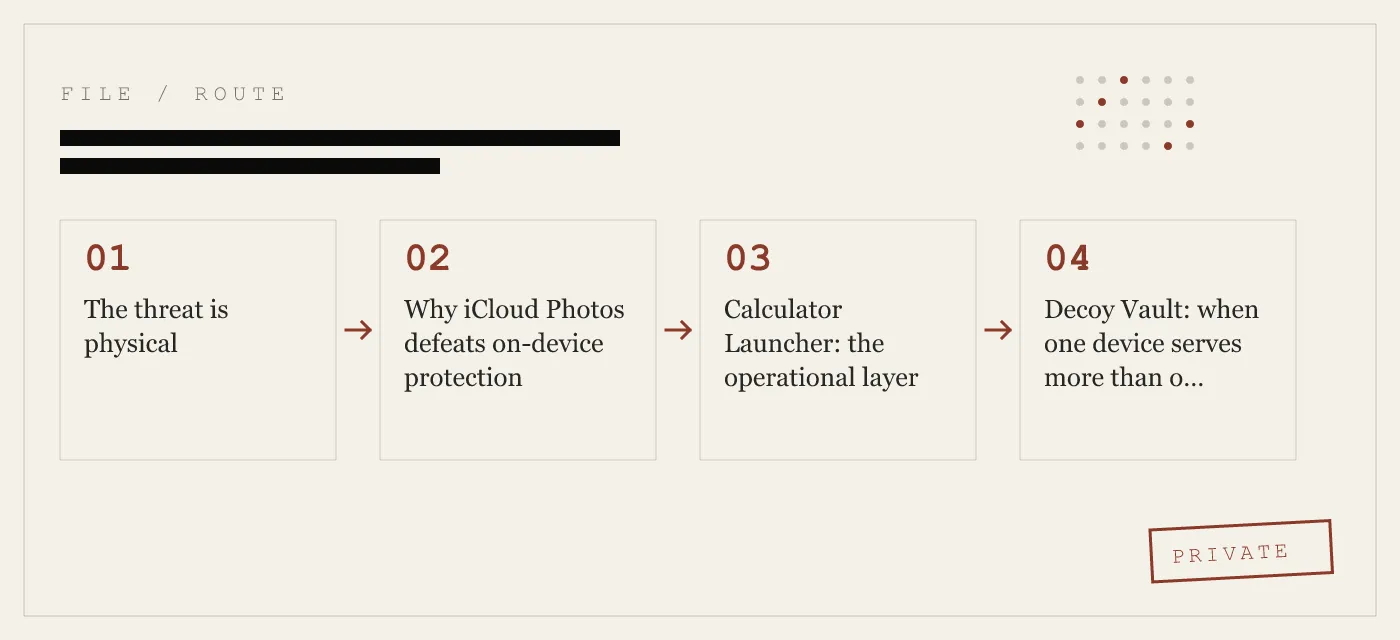
Calculator Launcher: the operational layer
The Calculator Launcher is a fully functional iOS calculator. It performs arithmetic. It has no visible vault interface. The vault is accessed through an opt-in long-press gesture on the equals key.
This is not a trick. The calculator works. A border officer who taps the icon sees a calculator. There is no reason to ask for more.
The design satisfies Apple guideline 4.3 (alternate icons) because the calculator is not a facade — it is a working calculator that also guards a vault. The long-press shortcut is opt-in during setup. If you never enable it, the app is just a calculator.
For the journalist at the checkpoint, the officer sees a calculator. The source photos, the encrypted notes, the contact list — all of it is behind AES-256-GCM, sealed with a key that lives inside the Secure Enclave.
Decoy Vault: when one device serves more than one purpose
The Decoy Vault is a second 5×5 pattern that opens a separate, mathematically independent vault catalog. The two vaults share no keys, no file metadata, and no visible relationship.
The use case is not deception for its own sake. It is operational reality:
- A shared family iPad where a journalist also keeps personal files.
- A device that must be handed to a colleague or fixer who needs access to some material but not all.
- A checkpoint where the officer expects to see something and you need to show compliance without exposing the real catalog.
The decoy vault is not a “fake” vault. It is a real vault with real encryption, real key derivation, and real file protection. It simply contains a different set of files. The officer who opens it sees a functioning photo vault. They do not know another one exists.
Read the Pattern Lock page for the math behind the 5×5 grid and the key derivation that keeps both vaults independent.
Encrypted notes for source contact lists
Photos are not the only leak vector. Notes apps, contact lists, and messaging histories contain the identities of sources, meeting locations, and communication patterns.
App-Vault encrypts files — including text notes, PDFs, and images — behind the same AES-256-GCM layer. The catalog itself is encrypted: an attacker with raw access cannot tell how many files exist, what they are named, or when they were created.
A journalist can store:
- Source contact lists with real names and numbers.
- Meeting notes with locations and timestamps.
- Scanned documents, passports, or press credentials.
- Audio recordings of interviews.
All of it is sealed behind the same encryption stack. The cipher is AES-256-GCM with a unique 96-bit nonce per file. Key derivation is PBKDF2-SHA256 at 600,000 iterations with a per-install 128-bit salt. The derived key is wrapped by a key generated inside the Secure Enclave — a key that never leaves the chip.
Primary sources: NIST FIPS 197 for AES, RFC 5116 for AES-GCM, Apple Platform Security for the Secure Enclave, and OWASP Password Storage Cheat Sheet for the iteration count.
What App-Vault does not protect against
Honesty about limits is a feature, not a weakness.
App-Vault does not protect against a nation-state adversary with a zero-click exploit. Commercial spyware — the kind sold to governments — operates at the operating system level. It can intercept keystrokes, activate the camera, and exfiltrate data before any app-level encryption is applied. App-Vault operates at the app layer. It raises the cost of access, but it does not defeat an adversary who already controls the OS.
App-Vault does not protect against legal compulsion. If a court orders you to disclose your pattern, App-Vault cannot resist. The vault is only as strong as your willingness to comply — or not comply — with the order. The optional recovery passphrase is stored by you, on paper, off-device. App-Vault has no copy.
App-Vault does not protect against you. If you take a photo of a source and save it to the camera roll instead of the vault, App-Vault cannot help. If you enable iCloud Photos and the photo syncs before you move it, the image is already on Apple’s servers. Operational security is a practice, not a product.
The threat model page covers this in detail.
How App-Vault compares to the category
Keepsafe is the category leader by install count. The full feature-by-feature breakdown is on the App-Vault vs Keepsafe page. The architectural difference: App-Vault uses hardware-bound keys, publishes its full cryptography stack with primary-source citations, and makes zero network calls by default.
Vaultaire is the closest competitor in the calculator-vault category. The detailed comparison is on the App-Vault vs Vaultaire page.
Most ad-supported photo vault apps run third-party SDKs that send usage telemetry off-device. App-Vault runs no third-party SDKs. The privacy nutrition label declares no data collected.
Setup for field use
A journalist preparing for a border crossing or a raid does not have time to configure settings under pressure. App-Vault’s setup is designed to be completed once, in a safe location, before the device enters a threat environment.
-
Choose a pattern you can reproduce under stress. The 5×5 grid offers over 700 million possible 4-point patterns. Pick one that is motor-memorized, not intellectually memorized. You will need it when your hands are shaking.
-
Enable the Calculator Launcher. Set the long-press equals-key shortcut. Test it. Make sure the calculator works for arithmetic — because it will be tested.
-
Set up the Decoy Vault. Populate it with plausible but non-sensitive material. A few personal photos. A note that looks like a grocery list. The decoy only works if it is believable.
-
Generate the recovery passphrase. Write it on paper. Store it separately from the device. This is the only way back in if the pattern is forgotten. There is no reset. There is no support line.
-
Disable iCloud Photos for the camera roll. Move existing sensitive photos into the vault. Verify that the camera roll is clean. The officer who scrolls the Photos app should see nothing that was not already public.
-
Test the full flow. Lock the device. Unlock it. Open the calculator. Long-press equals. Enter the pattern. Verify the vault opens. Do this until it is automatic.
The calculus of device seizure
A border officer who takes your phone into a back room has a limited attention span and a limited mandate. They are looking for contraband, evidence, or intelligence. They are not running forensic tools — at least not at the primary inspection line.
What they see is the home screen. They see the apps. They open Photos. They scroll. They look for the obvious.
App-Vault’s Calculator Launcher ensures that the obvious is a calculator. The Decoy Vault ensures that, if they find a vault, it contains what they expect to find. The encryption ensures that, if they extract the raw storage, they get ciphertext.
None of this is absolute. A forensic lab with a warrant and a Cellebrite box is a different threat than a customs officer with a bored expression. App-Vault is designed for the latter. For the former, you need a lawyer.
But the customs officer is the more common threat. The checkpoint is the more frequent encounter. The moment of device handover is the moment that matters.
App-Vault is built for that moment.
DIAGRAM · 01
DOSSIER
QUESTIONS
10 sharp answers.
-
01 I already use Signal for source communication. Why do I need App-Vault?
Signal protects messages in transit. App-Vault protects what is already on your device — the photos you took at the scene, the contact list in your notes, the meeting location pinned in your camera roll. Signal cannot encrypt a customs officer swiping through your gallery. -
02 What happens if a border officer asks me to open my phone?
You open the Calculator Launcher. It works as a calculator. The officer sees a functioning iOS calculator. The vault is accessed through a separate long-press gesture on the equals key. The officer has no reason to request that. -
03 Does App-Vault sync to iCloud?
By default, App-Vault makes zero network calls. Encrypted iCloud Backup is opt-in. Files are sealed with a separate per-device backup key before any upload. Apple receives only ciphertext. -
04 Can App-Vault reset my password if I forget my pattern?
No. There is no password reset. There is no support tool. Forget the pattern and the vault stays sealed. An optional written recovery passphrase is generated during setup. That piece of paper is your only backup. -
05 What encryption does App-Vault use?
AES-256-GCM with a unique 96-bit nonce per file, PBKDF2-SHA256 at 600,000 iterations, and Secure Enclave key wrapping. Full details are on the [encryption](/encryption/) and [zero-knowledge architecture](/zero-knowledge/) pages. -
06 Does App-Vault collect any data about me?
No. No email, no telemetry, no third-party SDKs. The privacy nutrition label declares no data collected. See the [zero-knowledge architecture](/zero-knowledge/) page for the full breakdown. -
07 What if I am crossing a border and they demand I unlock everything?
App-Vault does not solve the legal problem. It solves the technical one: the officer sees a calculator app and a decoy vault. What you disclose is your legal decision. What App-Vault controls is what the officer can find without your cooperation. -
08 How does App-Vault compare to Keepsafe?
Keepsafe is the category leader by install count. The full feature-by-feature breakdown is on the [App-Vault vs Keepsafe](/compare/app-vault-vs-keepsafe/) page. The architectural difference: App-Vault uses hardware-bound keys and publishes its full cryptography stack. -
09 How does App-Vault compare to Vaultaire?
Vaultaire is the closest competitor in the calculator-vault category. The detailed comparison is on the [App-Vault vs Vaultaire](/compare/app-vault-vs-vaultaire/) page. -
10 Is the Calculator Launcher a real calculator?
Yes. It is a fully functional iOS calculator. The vault shortcut is an opt-in long-press on the equals key. This design satisfies Apple guideline 4.3 (alternate icons) because the calculator is not a facade — it is a working calculator that also happens to guard a vault.
RELATED DOSSIERS
Keep reading.
9 ENTRIES
- LINK / 01 · Feature
Calculator Launcher
Fully functional iOS calculator with an opt-in long-press equals-key shortcut to the encrypted vault.
- LINK / 02 · Feature
Decoy Vault
Second 5×5 pattern that opens a separate
- LINK / 03 · Concept
Pattern Lock
5×5 grid
- LINK / 04 · Concept
AES-256-GCM Encryption
The full cryptography stack — cipher
- LINK / 05 · Concept
Zero-Knowledge Architecture
What App-Vault cannot know
- LINK / 06 · Concept
Threat Model
What App-Vault defends against — and what it does not.
- LINK / 07 · SCENARIO
How Lawyers Can Protect Privileged Client Material on iPhone
How App-Vault's local-only vault helps lawyers protect attorney-client privilege, resist discovery, and secure client intake photos on iPhone.
- LINK / 08 · SCENARIO
A Clinical Photo Vault for Doctors, Nurses, and Therapists
How doctors, nurses, and therapists use App-Vault to protect clinical photos on personal iPhones and shared clinic iPads under HIPAA and GDPR Article 9.
- LINK / 09 · SCENARIO
Selling Your iPhone? Here Is What Factory Reset Leaves Behind
Factory reset alone is not enough. What forensic tools still pull from NAND flash, and how App-Vault's File Shredder overwrites deleted photos before you hand the phone off.
GET STARTED
Seal the vault.
Free to download. The free tier holds one file. Premium removes the limit — Weekly from $3.99 or Yearly from $29.99 with a 7-day free trial.