FILE T1 / TRAVELERS
iPhone Privacy for International Travelers
Border officers in at least 30 countries can demand device access. A lost phone in a foreign city exposes every photo, message, and document on it. App-Vault gives frequent travelers a vault with a real calculator front door, encrypted document storage, and a decoy layer — no accounts, no servers, no cloud.
UPDATED · 2026-05-16 · REVIEWED BY APP-VAULT
TL;DR
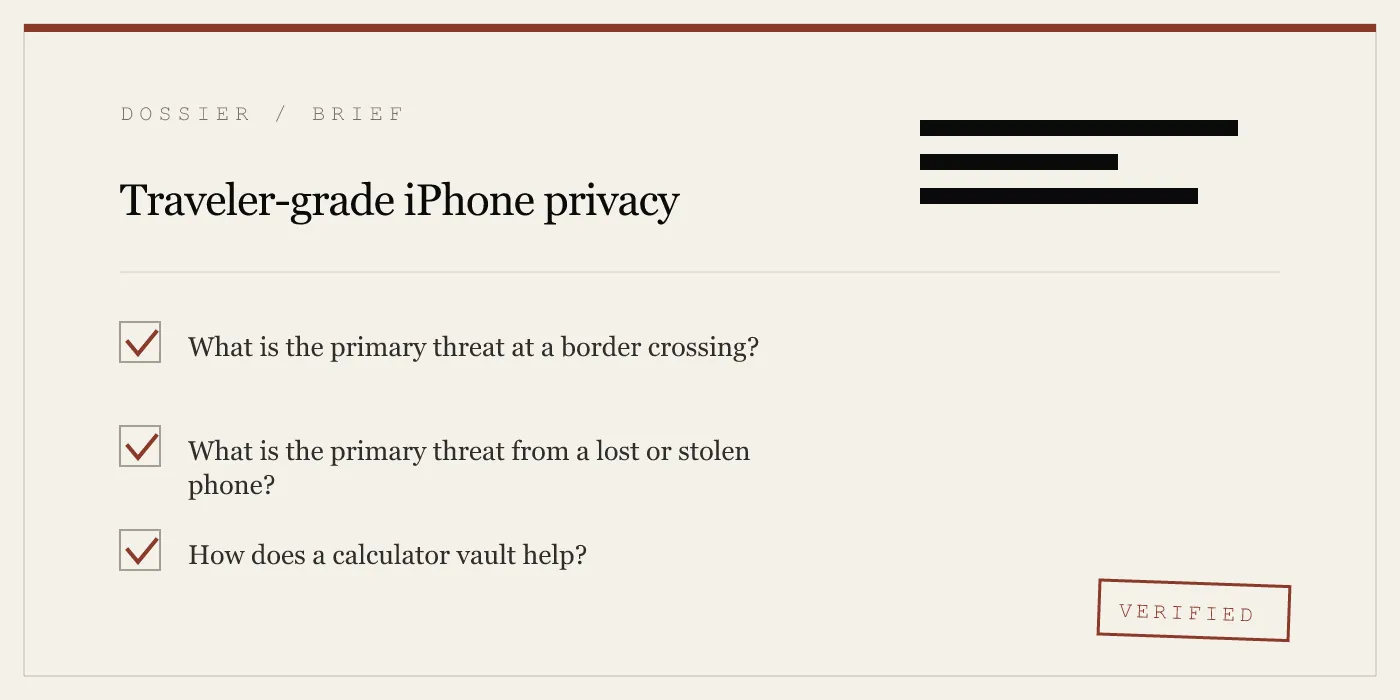
Travelers face two distinct threats: a border officer who can legally demand to see your phone, and a thief who steals it in a foreign city. App-Vault addresses both. The Calculator Launcher presents a fully functional iOS calculator when someone else holds the device. The Decoy Vault opens a separate, mathematically independent album under a second pattern. Passport scans, visa pages, and vaccination records sit behind AES-256-GCM encryption with a key derived through 600,000 PBKDF2 iterations and wrapped by the iPhone Secure Enclave. No network calls. No account. No recovery if you forget the pattern.
The Two Threats Every Traveler Faces
A traveler’s phone carries more sensitive data than a filing cabinet ever did. Passport scans, visa pages, vaccination records, hotel confirmations, payment-card photos, private messages, location history — all of it sits on a device that crosses borders, gets handed to strangers, and occasionally disappears.
The threats are not abstract. They fall into two categories.
The border stop. An officer asks to see your phone. In the United States, Customs and Border Protection operates under the border-search exception to the Fourth Amendment — a legal doctrine that permits device searches without a warrant at any port of entry. The Supreme Court’s 2014 decision in Riley v. California required a warrant for searches incident to arrest, but the border exception remains a separate category. CBP policy requires “reasonable suspicion” for what it calls “advanced” searches (connecting the device to external equipment, for example), but a basic search — scrolling through photos, messages, and apps — faces no such threshold. Other countries operate under similar frameworks. The UK, Canada, Australia, and New Zealand all permit border device searches. Within the Schengen Area, the legal framework is uniform but enforcement is not. A German officer may follow a strict procedural checklist. A French officer may operate under broader police powers. An Italian officer may apply the rules inconsistently. The same border, three different experiences.
The lost or stolen device. A phone left in a taxi in Istanbul. A bag snatched in Barcelona. A device stolen from a hotel room in Bangkok. The thief does not need to break iOS. If the phone is unlocked — or if the thief can guess the passcode — every photo, message, and file is accessible. The camera roll alone can contain passport scans, boarding passes, and screenshots of sensitive conversations.
App-Vault addresses both threats with a single architecture: encrypted storage that is invisible to anyone without the pattern, a calculator front door for the handover moment, and a decoy layer for situations where “I don’t have a vault” is not a believable answer.
What Belongs in the Vault
Travelers accumulate documents that are trivial in isolation and dangerous in aggregate. A photo of a passport bio page. A scan of a visa stamp. A vaccination record. A photo of the back of a credit card “just in case.” A hotel confirmation with a home address. A screenshot of a private conversation.
None of these files are sensitive on their own. Together, they are a dossier.
App-Vault stores these files in an encrypted catalog sealed with AES-256-GCM. Each file gets a unique 96-bit nonce, meaning no two files share a key stream. The cipher is NIST FIPS 197 with the GCM mode specified in NIST SP 800-38D. The encryption key is derived from the user’s 5×5 pattern through PBKDF2-SHA256 at 600,000 iterations — the OWASP 2026 recommendation — with a per-install 128-bit salt. That derived key is then wrapped by a key generated inside the iPhone Secure Enclave, a hardware security module that never exposes the key to the main processor or to Apple.
The catalog itself is encrypted. An attacker with raw access to the phone’s storage cannot determine how many files exist, what they are named, or when they were added. The vault is not a folder. It is a sealed container.
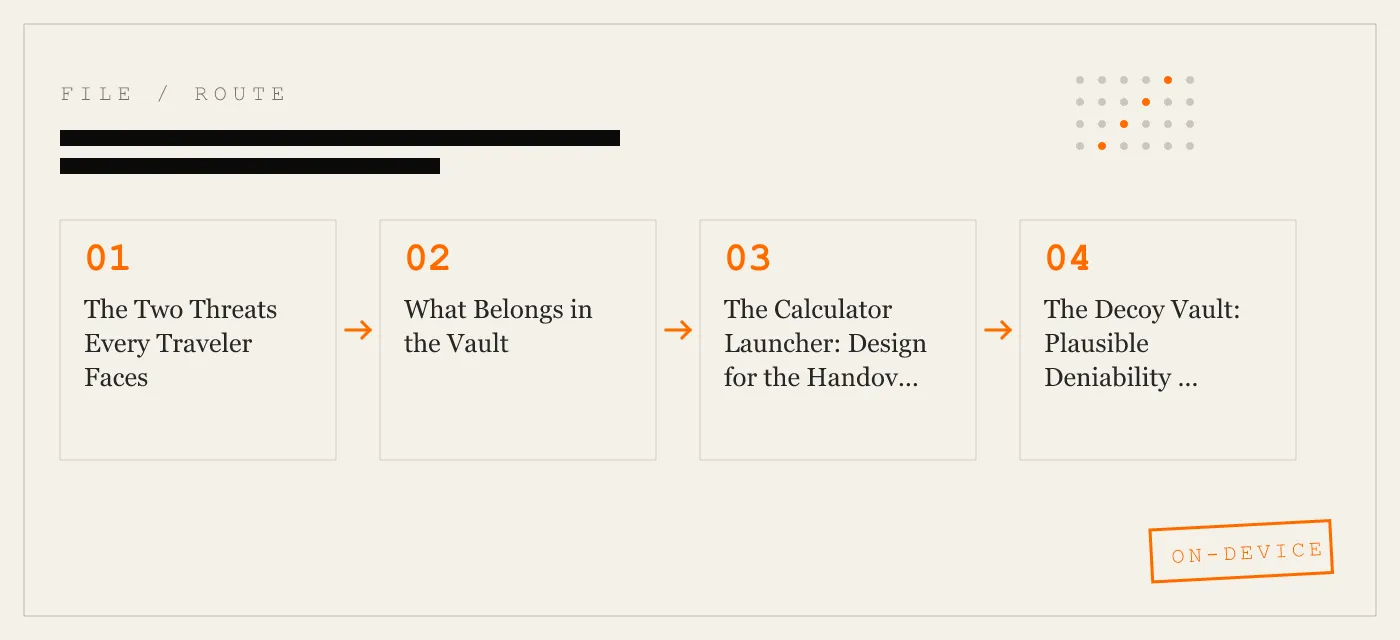
The Calculator Launcher: Design for the Handover Moment
The most vulnerable moment for a traveler’s phone is the moment someone else holds it. A border officer. A police officer. A colleague who asks to see a photo and swipes too far.
App-Vault’s Calculator Launcher addresses this by presenting a fully functional iOS calculator when the app is opened. The icon says “Calculator.” The app name says “Calculator.” The interface is a calculator. It adds, subtracts, multiplies, and divides. It passes Apple guideline 4.3 (alternate icons) because it is not a fake calculator — it is a real one.
The vault unlock screen appears only after a long-press on the equals key. No other gesture triggers it. No notification reveals it. To anyone browsing the home screen or opening the app, it is a calculator.
This is not a trick. It is a design choice that acknowledges a reality: when someone else holds your phone, you need the sensitive content to be invisible, not merely behind a password.
The Decoy Vault: Plausible Deniability by Mathematics
A calculator that hides a vault is one layer. But what happens when someone who knows about vault apps — or who has been told to look for them — demands to see what’s inside?
App-Vault’s Decoy Vault provides a second 5×5 pattern that opens a separate, mathematically independent vault catalog. The two vaults share no encryption keys. They share no file metadata. They share no visible connection. The decoy vault looks and behaves exactly like the primary vault. It has its own file list, its own storage, its own pattern.
If someone demands access, you provide the decoy pattern. The decoy vault opens. It contains files — perhaps personal photos, perhaps nothing incriminating. The primary vault remains sealed and undetectable. There is no “second vault” indicator. There is no way to prove that a primary vault exists.
This is not a feature for evading the law. It is a feature for travelers who carry legitimate sensitive material — legal documents, medical records, journalistic sources — and who operate in jurisdictions where the legal status of device searches is unclear or inconsistently applied.
Travel-Mode Hygiene: Before, During, and After
Before the trip. Move every sensitive file into the vault. Passport scans, visa pages, vaccination records, payment-card photos, hotel confirmations with home addresses. Delete the originals from the camera roll. Check Messages for sensitive conversations and delete them. Check email for forwarded documents and remove them. If you use encrypted iCloud Backup, enable it before departure — files are sealed with a separate per-device backup key before upload, and Apple receives only ciphertext. Write down the recovery passphrase and store it separately from the phone.
On the ground. Keep the phone locked when not in use. Use a strong passcode — six digits minimum, alphanumeric preferred. Enable Face ID or Touch ID for convenience, but remember that biometric unlock can be compelled in some jurisdictions (US courts have ruled that a passcode is protected by the Fifth Amendment but a fingerprint is not). If a border officer asks for the phone, hand it over. If they ask you to open an app, open Calculator. If they ask what Calculator does, it calculates.
At the gate home. The US border search exception applies to US citizens and non-citizens alike. The same precautions apply on the return trip. If you acquired sensitive material during the trip — receipts, documents, photos — vault them before landing.
What App-Vault Does Not Defend Against
Honesty about limits is a feature, not a weakness.
App-Vault does not protect against a compromised iOS kernel. If an attacker can exploit a zero-day in iOS, the encryption is irrelevant — the attacker reads the data after decryption. App-Vault does not protect against physical coercion. If someone forces you to enter the pattern, the vault opens. App-Vault does not protect data stored outside the vault. Photos in the camera roll, messages in Messages, emails in Mail — these are outside App-Vault’s scope. App-Vault does not protect against iCloud backups of data that was never vaulted. If you backed up your camera roll to iCloud before moving files into the vault, the unencrypted copies still exist on Apple’s servers.
The threat model page details these limits. Read it before deciding what to vault and what to leave elsewhere.
How App-Vault Compares
The photo vault category is crowded. Keepsafe is the category leader by install count; the full feature-by-feature breakdown is on the comparison page. Vaultaire is the closest competitor in the calculator-vault niche; its architecture differs in key areas detailed on its comparison page.
Most ad-supported photo vault apps run third-party SDKs that send usage telemetry off-device. App-Vault runs no third-party SDKs, makes no network calls by default, and declares no data collected on the privacy nutrition label. The full zero-knowledge architecture page explains what App-Vault cannot know — because it never asks.
The Bottom Line
A traveler’s phone is a liability. It carries more personal data than most people realize, and the legal frameworks governing who can access that data are inconsistent, jurisdiction-dependent, and evolving. App-Vault does not solve the legal problem. It solves the technical one: when someone who should not see your data gains physical access to your phone, the data stays sealed.
The calculator front door handles the handover. The decoy vault handles the demand. The encryption handles the rest. No servers. No accounts. No recovery if you forget the pattern. That last part is not a bug. It is the point.
DIAGRAM · 01
DOSSIER
QUESTIONS
10 sharp answers.
-
01 Can a US border officer legally search my phone?
Yes. Under the border-search exception to the Fourth Amendment, US Customs and Border Protection can search devices without a warrant at any port of entry. The 2014 Supreme Court case Riley v. California established that a warrant is needed for searches incident to arrest, but the border exception remains a distinct legal category. CBP policy requires "reasonable suspicion" for advanced searches, but basic searches — scrolling through photos, messages, and apps — face no such threshold. -
02 Do other countries allow device searches at the border?
Many do. The UK, Canada, Australia, and New Zealand all have laws permitting border device searches. Within the Schengen Area, enforcement varies by country and even by individual officer. Germany tends toward procedural formality; France grants broad police powers under its state-of-security framework; Italy has seen inconsistent application. The legal framework is the same — free movement within Schengen — but the officer culture differs. -
03 What does App-Vault protect against?
App-Vault protects against anyone who gains physical access to your phone and opens the app. It does not protect against a targeted attack by a state-level adversary with the resources to exploit iOS itself, nor against someone who knows your pattern and coerces you into opening the vault. -
04 What does App-Vault NOT protect against?
App-Vault does not protect against a compromised iOS kernel, a zero-day exploit, or physical coercion. It does not protect data stored outside the vault — in your camera roll, in Messages, in Mail, or in any other app. It does not protect against iCloud backups of data that was never vaulted. -
05 How does the Calculator Launcher work?
The app icon and name appear as "Calculator" on the home screen. The app functions as a fully functional iOS calculator. A long-press on the equals key triggers the vault unlock screen. This design satisfies Apple guideline 4.3 (alternate icons) by shipping a fully functional calculator, not a fake one. -
06 What is the Decoy Vault?
A second 5×5 pattern that opens a separate, mathematically independent vault catalog. The two vaults share no encryption keys, no file metadata, and no visible connection. If someone demands you open the vault, you provide the decoy pattern. The primary vault remains sealed and undetectable. -
07 Where should I store my passport scan?
Inside the vault. A photo of your passport in the camera roll is visible to anyone who swipes through your photos. A scan inside App-Vault is encrypted with AES-256-GCM, and the file list itself is sealed — an attacker cannot tell how many files exist or what they are named. -
08 Does App-Vault work offline?
Yes. App-Vault makes zero network calls by default. All encryption, key derivation, and file access happen on-device. Encrypted iCloud Backup is opt-in and uses a separate per-device backup key. -
09 What if my phone is stolen in another country?
If the thief unlocks the phone (via Face ID, Touch ID, or passcode), they can open any app — including App-Vault. The vault's pattern lock is the second layer. Without the pattern, the vault contents remain encrypted. The Decoy Vault provides a second layer of plausible deniability if the thief demands access. -
10 Is there a way to recover my vault if I forget the pattern?
Only if you wrote down the recovery passphrase generated during setup. App-Vault has no password reset, no support tool, and no backdoor. Forget the pattern without the recovery passphrase, and the vault stays sealed permanently.
RELATED DOSSIERS
Keep reading.
9 ENTRIES
- LINK / 01 · Calculator Launcher
Fully functional calculator with hidden vault access
Alternate icon
- LINK / 02 · Decoy Vault
Second pattern
Mathematically independent vault for plausible deniability.
- LINK / 03 · Pattern Lock
5×5 grid with cryptographic key derivation
How the pattern becomes an encryption key through PBKDF2 and Secure Enclave wrapping.
- LINK / 04 · AES-256-GCM
The cryptography stack
Unique 96-bit nonce per file
- LINK / 05 · Zero-Knowledge
What App-Vault cannot know
No servers
- LINK / 06 · Threat Model
What we defend against and what we do not
Physical access
- LINK / 07 · GUIDE
App Lock iPhone: what actually works
Need an app lock on iPhone. We explain iOS options, their limits, and when an encrypted vault is the only setup that truly isolates files.
- LINK / 08 · GUIDE
Best iPhone Photo Vault Apps 2026
Compare the best photo vault app for iPhone by encryption, key storage, offline use, and subscription model, including App-Vault, Keepsafe, and Vaultaire.
- LINK / 09 · GUIDE
Calculator Vault iPhone Guide
Best calculator vault iPhone guide for 2026: how calculator photo vault apps work, what iOS allows, and what to check before trusting one.
GET STARTED
Seal the vault.
Free to download. The free tier holds one file. Premium removes the limit — Weekly from $3.99 or Yearly from $29.99 with a 7-day free trial.