FILE G2 / EDITORIAL
Best iPhone Photo Vault Apps 2026
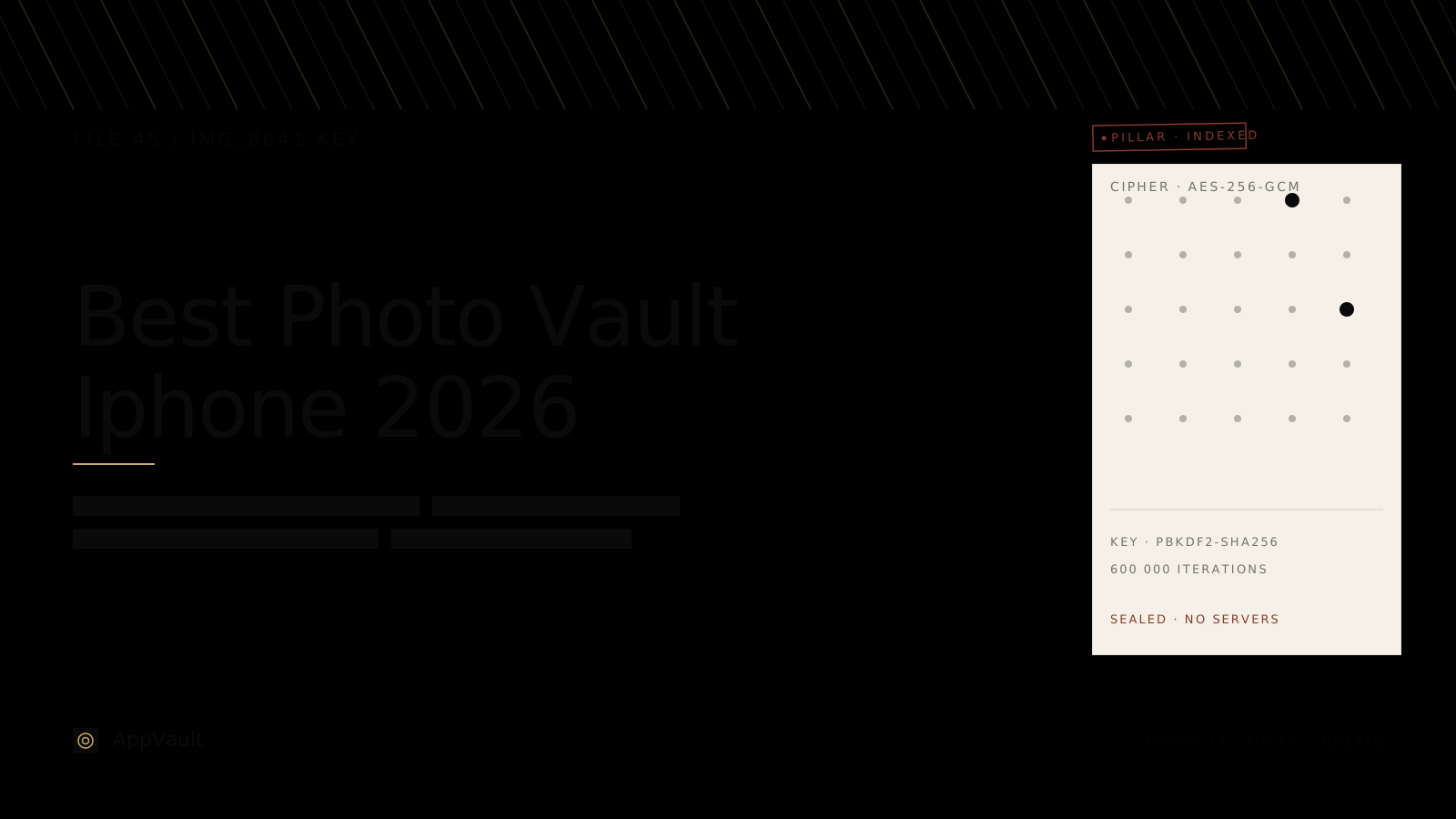
Most "best photo vault" lists rank apps by star count or App Store placement. We rank them by architecture: encryption, key custody, network behavior, and what an attacker can still learn after the phone is in hand.
UPDATED · 2026-07-22 · REVIEWED BY APP-VAULT
TL;DR
The best photo vault app for iPhone in 2026 is the one that keeps files encrypted on-device, avoids unnecessary server contact, and is clear about its security model. In our ranking, App-Vault leads on published architecture, Vaultaire is the closest local-first alternative mentioned here, and Keepsafe is better suited to users who prioritize cloud-style convenience over a local-only design.
How We Ranked the Best iPhone Photo Vault Apps in 2026
For queries like best iphone photo vault apps 2026 and best photo vault app for iphone, our standard is simple: we rank by what actually protects the files after the phone leaves your hand.
We weigh five properties in this order:
- Cipher and key derivation — what encrypts the files, and how the key is derived.
- Key storage — whether key material is hardware-bound, software-only, or tied to a server model.
- Network behavior — whether the app can function offline and what leaves the device.
- Catalog protection — whether an attacker can still learn file names, dates, thumbnails, or count.
- Authentication surface — how the vault is opened and how obvious the vault is to a bystander.
Interface polish, popularity, and broad App Store visibility matter to some buyers, but they do not outweigh the storage model.
Best iPhone Photo Vault Apps 2026: Quick Comparison
| App | Best for | Storage model | Account required | Published security specifics in source material | Notable tradeoff |
|---|---|---|---|---|---|
| App-Vault | Local-only privacy on iPhone | On-device encrypted container | No | Yes: AES-256-GCM, PBKDF2-SHA256, Secure Enclave wrapping | No recovery if you forget the pattern without the recovery phrase |
| Vaultaire | Closest architecture-focused alternative | Local-first positioning in this article’s framing | Not stated here as required | Partial comparison deferred to dedicated page | Less clarity here than App-Vault on hardware binding |
| Keepsafe | Users who prioritize cloud-style convenience | Cloud-first model | Yes | Comparison deferred to dedicated page | Account and server infrastructure are part of the design |
| Private Photo Vault | Legacy-style vault features | Not fully documented here | Not established here | No published cipher details cited here | Analytics and third-party advertising tradeoffs |
| Calculator# | Calculator-style launcher concept | Not fully documented here | Not established here | No published cipher details cited here | Opaque cryptography is the main issue |
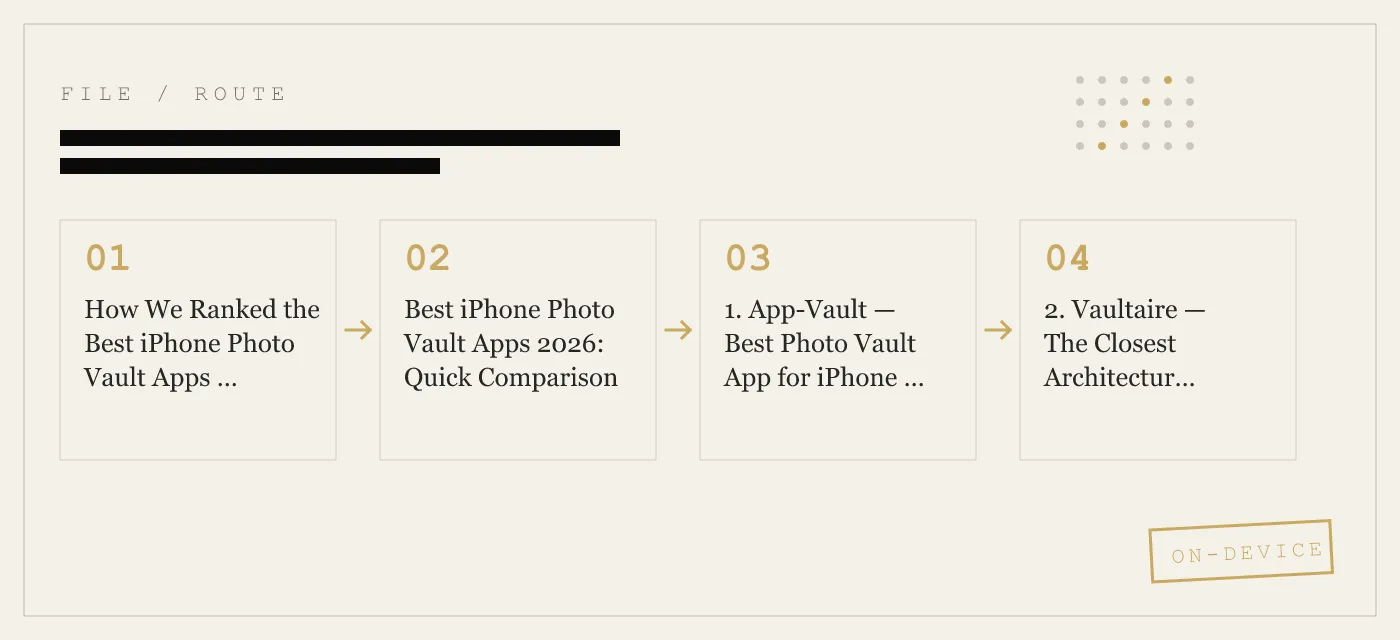
1. App-Vault — Best Photo Vault App for iPhone if You Want Local-Only Security
App-Vault ranks first because the product pages provide the clearest, most complete explanation of how the vault works on-device.
Why App-Vault ranks first
According to App-Vault’s security and features documentation, it stores photos, videos, and documents in an AES-256-GCM encrypted container on the device itself. The key points we can verify from the source material are:
- AES-256-GCM per file
- PBKDF2-SHA256 for key derivation from a 5×5 pattern
- 600,000 iterations on the PBKDF2 step
- Secure Enclave key wrapping
- No account required
- Vault contents are excluded from iCloud Backup and iTunes/Finder backups
- The catalog is encrypted, not just the file blobs
- The app supports an optional Calculator Launcher
- The app supports a separate Decoy Vault
- The app offers a BIP-39 12-word recovery phrase
- The free tier holds one file, with paid plans expanding that limit
That combination makes App-Vault the strongest answer here for people searching best photo vault app for iphone with a privacy-first threat model.
What setup looks like on iPhone
The product documentation describes a short setup flow:
- Open App-Vault.
- Draw a 5×5 pattern.
- Save the 12-word recovery phrase offline.
- Import files from Photos, Files, or the camera.
- Confirm iOS photo deletion when prompted, because Apple does not allow silent deletion from the library.
- Lock the app.
On iPhone, that user-confirmation step matters. If you move photos into any vault, check whether the originals were actually removed from Photos after import. In App-Vault’s documented flow, iOS prompts you to confirm deletion of the originals.
What the privacy model is good at
App-Vault’s published threat model says it is designed to help against:
- casual access by someone who picks up your unlocked phone
- a lost or stolen device when the finder knows the device passcode
- visual inspection of the Camera Roll
- forensic extraction without the pattern
- server breach and mass surveillance scenarios, because it operates no server that holds vault contents
That is a serious, bounded claim, and we prefer that to broader promises.
Limitations App-Vault states plainly
App-Vault also states what it does not defend against:
- coerced unlock
- a compromised device
- a forgotten pattern if you did not keep the recovery phrase
- lawful orders directed at you personally
- future cryptographic breaks
Those limits matter. A good vault should tell you where the boundary is.
App-Vault subscription: what you get
Because one of this page’s existing impression queries is photo vault subscription, it is worth being concrete.
App-Vault’s published pricing is:
| Plan | Price | What it includes |
|---|---|---|
| Free | $0 | One file, full encryption stack, 5×5 pattern lock, recovery phrase, Face ID quick re-unlock, excluded from iCloud Backup |
| Weekly Premium | from $3.99/week | Unlimited files, Calculator Launcher, Decoy Vault, Intruder Selfie, File Shredder, everything in Free |
| Yearly Premium | from $29.99/year | Same Premium features, plus a 7-day free trial for new subscribers |
Important limits from the pricing page:
- there is no monthly plan
- there is no lifetime tier
- prices can vary by App Store region
- Apple handles billing
- you can cancel in Settings → [your name] → Subscriptions
If you are specifically comparing a photo vault subscription, this is one of the clearer pricing structures in the category because it states what is free, what is paid, and what is not offered.
2. Vaultaire — The Closest Architectural Competitor Covered Here
Vaultaire is the closest competitor to App-Vault in the current article because it is framed around similar buyer intent: users who care about encryption-first design, calculator-style access, and compartmentalized privacy features.
The source material here gives us two careful points:
- Vaultaire is the closest architectural competitor
- App-Vault’s article positions it as lacking the same level of hardware key binding
The dedicated comparison page is where the deeper head-to-head belongs, but for this ranking the practical summary is straightforward:
- choose App-Vault if your priority is a published on-device stack with Secure Enclave key wrapping and no account
- choose Vaultaire if you prefer the alternate feature balance described in its dedicated comparison
We are intentionally not claiming more than the source gives us.
3. Keepsafe — Better Known, but Built Around a Cloud-First Model
Keepsafe is still one of the most recognizable names in this category, and for many searchers it is the default reference point when they look for the best photo vault app for iphone.
In this article, the tradeoff is clear: Keepsafe is presented as a cloud-first model with account requirements.
That design is not automatically wrong. It simply solves a different problem.
When Keepsafe makes more sense
Keepsafe is the better fit if your first question is not “can this work fully offline” but rather “can I access my library through a cloud-style account model.”
When Keepsafe makes less sense
Keepsafe is a weaker fit if your non-negotiables are:
- no account
- no identity link
- no content server
- minimal network dependence
That is the core reason it ranks below App-Vault in this editorial.
4. Private Photo Vault — Longstanding Category Player, Less Transparency
Private Photo Vault remains relevant because many iPhone users still encounter it while searching for ways to lock down photos and videos.
The source article makes two cautious points:
- it offers familiar vault features such as PIN or pattern-style access, break-in alerts, and decoy mode
- its privacy label lists analytics and third-party advertising
That second point is the reason it ranks lower. Once a vault includes advertising or broader analytics pipelines, the app’s privacy story is no longer just about encryption. It is also about what metadata leaves the device and why.
Just as important, the current source does not cite a public cipher specification or key-management design for Private Photo Vault. That means we cannot rank it above an app that documents those details.
5. Calculator# — Calculator-Style Disguise Without the Same Published Security Detail
Calculator# represents a common category pattern: an app that presents as a calculator and opens hidden storage through a gesture or secret input.
That design can reduce casual attention on a shared family device, during travel, or when handing your phone to someone briefly. But the disguise is only one layer.
The main issue, based on the source article, is opaque cryptography. If an app emphasizes the calculator front-end but does not clearly publish how files are encrypted, where keys live, and what the network behavior looks like, it is difficult to recommend it as a top security choice.
That is why Calculator# ranks below App-Vault in this list. The calculator concept is useful; the real question is what happens after the file crosses into the vault.
Best Photo Vault App for iPhone: What Actually Decides the Winner
If you searched best photo vault app for iphone, the short answer is that the winner depends on what you fear most.
Choose App-Vault if you want:
- on-device storage
- no account
- published AES-256-GCM and PBKDF2 details
- Secure Enclave-backed key wrapping
- optional calculator-style launcher
- a second compartment through Decoy Vault
- a clear answer on backups and server copies
Choose Keepsafe if you want:
- an account-based experience
- cloud-first convenience as the tradeoff
Choose Vaultaire if you want:
- the closest alternative in this article’s architecture-focused set
- a different balance that is covered in the dedicated comparison
That is the practical buying guide.
Photo Vault Subscription: What to Check Before You Pay
Many people do not search for a vault until after they realize the free tier is limited. If your query is photo vault subscription, these are the points that matter most.
1. Is there a real free tier?
A free tier should let you test the actual unlock and import flow, not just show a paywall. App-Vault’s free tier allows one file, which is enough to verify:
- the pattern flow
- encryption at import
- deletion of the original from Photos after iOS confirmation
- recovery phrase handling
2. Is the subscription buying storage, privacy features, or both?
With App-Vault, the paid tier buys both capacity and privacy features:
- unlimited files
- Calculator Launcher
- Decoy Vault
- Intruder Selfie
- File Shredder
That is different from a model where the subscription mainly pays for cloud syncing.
3. Can you cancel it in standard iOS settings?
On iPhone, the normal path is:
Settings → [your name] → Subscriptions
That is where you cancel App-Vault, and it is the same place you should check any other photo vault subscription.
4. Is there a monthly plan or lifetime tier?
App-Vault explicitly says no. It offers:
- free
- weekly
- yearly
with no monthly and no lifetime option.
That will be a plus for some buyers and a drawback for others, but clarity is better than ambiguity.
Photo Vault App vs iPhone Hidden Album
A lot of users asking for the best iphone photo vault apps 2026 are really asking whether they need a vault at all.
For many people, the first thing to compare against is Apple’s Hidden album.
What the Hidden album does
The Hidden album is part of the Photos app. On modern iOS versions, Apple lets you hide the album itself and protect access with Face ID or Touch ID.
To manage it on iPhone, the paths are:
- Settings → Apps → Photos → Show Hidden Album
- In Photos, open Utilities → Hidden
- Access is gated by Face ID or Touch ID on supported devices
What the Hidden album does not do
The Hidden album is still a Photos feature, not a separate encrypted container under a second app-specific secret.
A vault app is different because it is designed to:
- move files out of the normal Camera Roll workflow
- keep them behind a separate unlock step
- isolate them from casual scrolling in Photos
- in stronger designs, keep even catalog details encrypted
If your only need is “I do not want these visible in the main library,” Hidden may be enough. If your need is “I want a separate vault architecture,” it is not.
How to Evaluate Any iPhone Photo Vault App in Five Minutes
Before you trust any app with sensitive photos, do these checks.
Check 1: The App Store privacy label
Open the App Store listing and scroll to the privacy section. Look for clues about:
- usage data
- identifiers
- diagnostics
- advertising or tracking
A vault that sends less data off-device is easier to trust.
Check 2: The developer’s security page
Search for specifics such as:
- AES-256-GCM
- PBKDF2
- Secure Enclave
- backup behavior
- whether the developer stores vault contents on a server
If the app uses only vague language, you are being asked to trust the brand instead of the architecture.
Check 3: Whether an account is required
An account requirement changes the privacy model. It creates an identity link even before you get to file storage.
Check 4: Whether it works offline
Put the phone in Airplane Mode and see whether the core vault still opens and works. Local encryption should not require a live internet connection just to reveal your own files.
Check 5: What happens if you forget the unlock secret
A recoverable password can be convenient, but it also tells you something about who still holds enough control to restore access. By contrast, App-Vault’s documented model is blunt: if you forget the pattern and did not keep the recovery phrase, the vault stays sealed.
Real-World Use Cases Where a Photo Vault Helps
A serious photo vault should be framed around legitimate privacy use cases.
Shared family devices
A calculator-style launcher or second compartment can reduce accidental exposure when multiple people use the same iPhone or iPad.
Border and travel inspection
Keeping sensitive images and documents out of the Camera Roll reduces what appears during casual visual inspection. It does not solve coerced unlock.
Journalism, legal, and medical fieldwork
The appeal here is straightforward: on-device storage, fewer third parties, and less metadata spread across cloud systems and ad SDKs.
Selling or handing down an iPhone
A local-only vault with no server copy reduces the number of places files can persist after you remove the app and wipe the device.
Our Final Ranking
For the three Google queries this page already reaches, here is the direct answer.
Best iPhone photo vault apps 2026
- App-Vault
- Vaultaire
- Keepsafe
- Private Photo Vault
- Calculator#
Best photo vault app for iPhone
App-Vault is our top pick because it is the clearest on encryption, key derivation, hardware protection, offline behavior, and backup exclusion.
Best choice if you are comparing a photo vault subscription
App-Vault has the most explicit published pricing of the apps covered here: one-file free tier, weekly from $3.99, yearly from $29.99, and a 7-day free trial on the yearly plan for new subscribers.
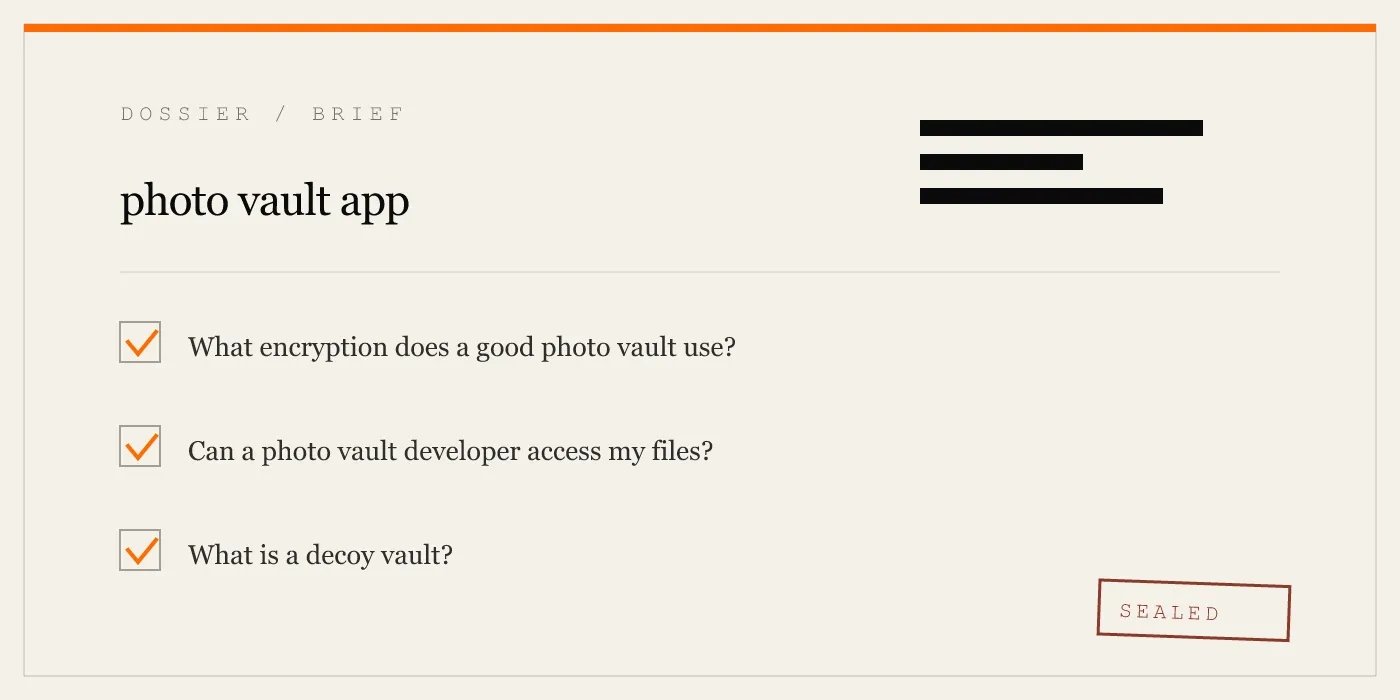
What “Best” Means in This Category
There is no single best vault for every buyer.
If your standard is published cryptography, local-only storage, and no account, App-Vault is the strongest result in this comparison.
If your standard is cloud-style convenience, Keepsafe may fit better, but it is solving a different problem.
If your standard is calculator-style disguise alone, that is not enough. The disguise matters less than the encryption and storage model behind it.
That is why this ranking looks the way it does. In a photo vault, the real product is not the icon. It is the architecture underneath.
DIAGRAM · 02
DOSSIER
QUESTIONS
13 sharp answers.
-
01 What is the best photo vault app for iPhone in 2026?
App-Vault ranks first in this comparison because it publishes the most complete on-device security architecture of the apps covered here. Its stack is documented as AES-256-GCM for file encryption, PBKDF2-SHA256 with 600,000 iterations for pattern-derived keys, Secure Enclave key wrapping, and an encrypted catalog, while Keepsafe is better known for cloud-style convenience and Vaultaire is the closest architecture-focused alternative named in this article. -
02 What is the best photo vault app for iPhone?
The best photo vault app for iPhone is the one that matches your threat model. If you want a local-only vault with no account and published cryptography, App-Vault is our top pick; if you want cross-device convenience, the tradeoff usually includes account and server infrastructure. -
03 Are photo vault apps safe from Apple?
Apple can review the app itself, but properly encrypted vault contents are a separate question. If files are encrypted in an app-controlled container with a key the operating system does not simply expose as plaintext, Apple does not browse those contents through normal app review. -
04 Can someone tell I have a photo vault app installed?
Yes, unless the app offers a disguise feature or you hide the app icon using iOS features. App-Vault offers an optional Calculator Launcher that appears as a calculator on the Home Screen and opens the vault through a long-press on the equals key after you enable it. -
05 What is the difference between a photo vault and the iPhone Hidden album?
The Hidden album is an organizational feature inside Photos, not a separate encrypted vault. A photo vault removes files from the normal Camera Roll workflow and stores them in its own encrypted container. -
06 Do free photo vault apps sell my data?
Some free photo vault apps rely on analytics or advertising SDKs, which means data leaves the device. The practical way to check is the App Store privacy label and the developer's own security documentation. -
07 Can a photo vault protect against a customs inspection?
It can reduce casual exposure by keeping sensitive files out of the Camera Roll and, in some apps, by making the vault less obvious on the Home Screen. It does not protect against coerced unlock if you are forced to open the vault yourself. -
08 What is the best app to hide photos and videos on iPhone?
For the apps covered here, App-Vault is the strongest fit when your goal is to hide photos and videos on-device rather than sync them through an account. It stores photos, videos, and documents in the same encrypted container and keeps the catalog encrypted as well. -
09 Is Keepsafe safe for private photos?
Keepsafe can be suitable for users who want account-based access and cross-device convenience, but it is not the same design as a local-only vault. If your requirement is no account and no content server, its cloud-first model is a meaningful tradeoff. -
10 What happens to my vault if I delete the app?
If the vault is stored only inside the app's local container, deleting the app deletes that local container as well. With App-Vault specifically, the product pages state there is no server copy of vault contents and the vault is excluded from Apple backup pipelines, so deletion is consequential. -
11 Can I use a photo vault without an Apple ID?
Yes for core local use in some apps. App-Vault states that it requires no account for core functionality; Apple ID involvement is mainly an App Store and subscription matter, not a vault-design requirement. -
12 Which photo vault has the best subscription model?
The best photo vault subscription depends on whether you want a permanent free tier, a short-term paid option, or a lower annual cost. App-Vault offers a free tier for one file, a weekly subscription from $3.99, and a yearly subscription from $29.99 with a 7-day free trial, while other apps in this article make different tradeoffs around cloud features and monetization. -
13 Is a photo vault subscription worth it?
A photo vault subscription is worth it if you need ongoing maintenance, iOS compatibility, and premium privacy features rather than a one-time utility. For App-Vault, the paid plans add unlimited files, Calculator Launcher, Decoy Vault, Intruder Selfie, and File Shredder.
RELATED DOSSIERS
Keep reading.
9 ENTRIES
- LINK / 01 · Feature
Calculator Launcher
A fully functional iOS calculator with a long-press equals-key shortcut to the encrypted vault. Satisfies Apple guideline 4.3.
- LINK / 02 · Feature
Decoy Vault
A second 5×5 pattern that opens a mathematically independent vault catalog for shared-device scenarios.
- LINK / 03 · Concept
AES-256-GCM Encryption
The full cryptography stack — cipher, nonce, key derivation, hardware binding — with primary-source citations.
- LINK / 04 · Concept
Zero-Knowledge Architecture
What App-Vault cannot know, cannot access, and cannot be compelled to produce.
- LINK / 05 · Comparison
App-Vault vs Keepsafe
Architecture-by-architecture breakdown of the category leader against a zero-knowledge local vault.
- LINK / 06 · Comparison
App-Vault vs Vaultaire
The closest architectural competitor — where it matches App-Vault and where it diverges.
- LINK / 07 · GUIDE
Calculator Vault iPhone Guide
Best calculator vault iPhone guide for 2026: how calculator photo vault apps work, what iOS allows, and what to check before trusting one.
- LINK / 08 · GUIDE
How to Find Hidden Apps on iPhone — and What Actually Stays Hidden
A practical guide to finding hidden apps on iPhone, how iOS app hiding works, and what calculator vault apps like App-Vault do that standard tools miss.
- LINK / 09 · GUIDE
How to Find Hidden Photos on iPhone
Step-by-step guide to finding hidden photos on iPhone: the built-in Hidden Album, third-party vault apps, iCloud recovery, and what encryption actually protects.
GET STARTED
Seal the vault.
Free to download. The free tier holds one file. Premium removes the limit — Weekly from $3.99 or Yearly from $29.99 with a 7-day free trial.