FILE L1 / BEST OF · 2026
Best Free Photo Vault Apps for iPhone
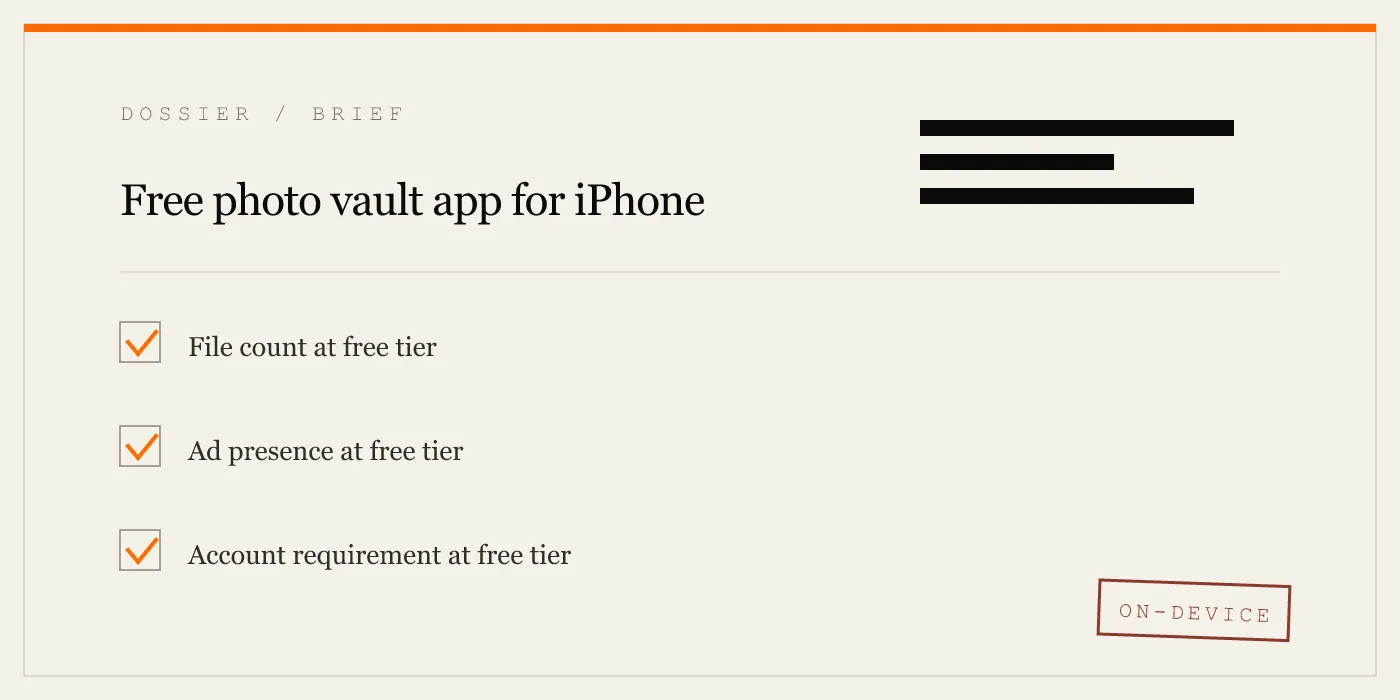
This list ranks iPhone photo vault apps by one factor only: how generous the free tier is. That means file count limits, whether ads appear without paying, whether you need to create an account, and whether the app phones home with telemetry. Other lists on this site rank by overall quality, cryptographic strength, or UX simplicity — links at the bottom.
UPDATED · 2026-05-16 · REVIEWED BY APP-VAULT
TL;DR
If you want the most files without paying, Private Photo Vault and Vaultaire both offer unlimited storage at the free tier — but PPV shows ads and Vaultaire requires an account. App-Vault gives you 25 files and one vault with zero ads and no account, which is the cleanest free tier if your needs are modest. For a no-limits, no-account option, keep an eye on updates — the free-tier landscape shifts frequently.
Methodology
Each app is scored on four criteria, weighted equally: (1) file count at the free tier — how many photos or videos you can store before hitting a paywall; (2) ad presence at the free tier — whether you see banners, interstitials, or video ads without paying; (3) account requirement at the free tier — whether you must register with an email or social login to use the free version; and (4) telemetry at the free tier — whether the app collects usage analytics or shares data with third-party ad networks. Information is sourced from each app’s App Store listing, official website, and privacy policy as of May 2026. Where a developer does not publish a criterion, we note the absence rather than assume.
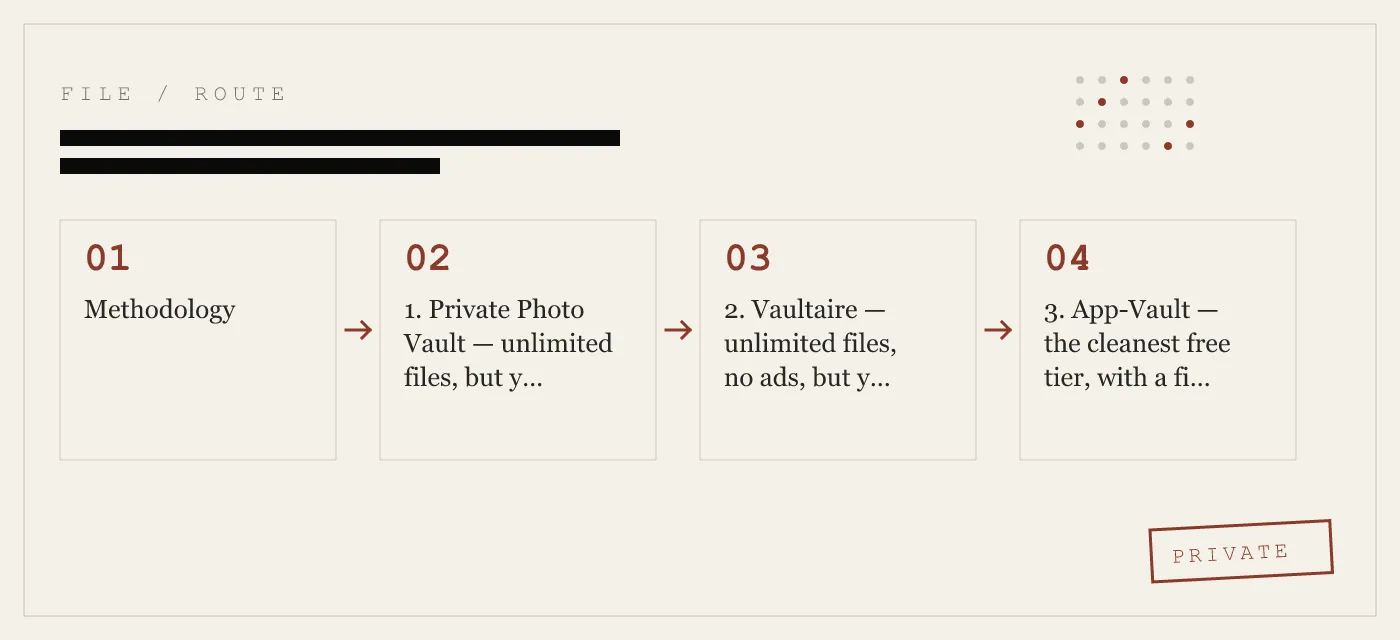
1. Private Photo Vault — unlimited files, but you pay with attention
Private Photo Vault (PPV) is the most generous free-tier option by raw file count. The free version lets you store unlimited photos and videos, which is the single biggest advantage if you are moving a large camera roll. The trade-off is ads. The free tier displays banner ads and periodic interstitials, and the app has served ads through third-party ad SDKs according to its App Store privacy nutrition label. There is no account required at the free tier — you set a PIN and start importing.
Where PPV falls short is in cryptographic transparency. The app does not publish its cipher, key derivation function, or encryption architecture on its website or in its App Store description. The privacy policy states that photos are stored locally, but without published cryptography, users cannot independently verify the claim. Telemetry is present: the App Store listing discloses data collection for analytics and third-party advertising.
Specs:
- Free tier: Unlimited photos and videos
- Ads at free tier: Yes (banners and interstitials)
- Account required: No
- Encryption documentation: Not published
- Platform: iPhone, iPad, Android
2. Vaultaire — unlimited files, no ads, but you need an account
Vaultaire offers unlimited photo storage at the free tier with no ads, which is a rare combination. The app requires account creation — an email address — which means your usage is tied to an identifier on the developer’s servers. Vaultaire’s website states that photos are encrypted on-device before sync, but the specific cipher and key derivation function are not published in documentation available as of this writing. The privacy policy discloses analytics collection.
The account requirement is the main drawback for privacy-focused users. If your threat model includes not wanting a server-side record that you use a photo vault app, Vaultaire’s free tier does not satisfy that constraint. For users who want unlimited storage without ads and do not mind creating an account, it is a strong option.
Specs:
- Free tier: Unlimited photos and videos
- Ads at free tier: No
- Account required: Yes (email)
- Encryption documentation: Partial (on-device encryption claimed, cipher not specified)
- Platform: iPhone, iPad, Android
3. App-Vault — the cleanest free tier, with a file cap
App-Vault’s free tier stores up to 25 files in a single vault. That is the lowest raw file count on this list, and for users with large libraries, it is a hard limitation. Everything else about the free tier, however, is clean: no ads at any tier, no account required, no telemetry. The app uses a published zero-knowledge architecture — your Pattern Lock derives an encryption key via PBKDF2, and the key never leaves your device. The full AES-256-GCM encryption stack is documented on the App-Vault website with primary-source citations.
The 25-file cap is intentional. App-Vault is designed for users who want to hide a specific, small set of sensitive items — documents, a handful of photos, screenshots — rather than archive an entire camera roll. If that matches your use case, the free tier is arguably the most privacy-respecting option available. If you need more than 25 files, the lifetime unlock removes the cap and adds a Decoy Vault (second pattern, separate album) and the Calculator Launcher.
App-Vault’s threat model is published and specific: it defends against casual access (someone picking up your phone), family iPad sharing, and device resale. It does not claim to defend against forensic tools or state-level adversaries, which is an honest boundary that most competitors do not state at all.
Specs:
- Free tier: 25 files, 1 vault
- Ads at free tier: No
- Account required: No
- Encryption documentation: Full (AES-256-GCM, PBKDF2, published with citations)
- Platform: iPhone, iPad
4. Keepsafe — polished but the free tier is a funnel
Keepsafe is the most recognized name in the category, and its free tier is functional but limited. The free version stores photos behind a PIN with a cap that has varied over time — as of the latest App Store listing, the free tier is limited in file count and storage duration for some features. Keepsafe requires account creation (email or social login), and the privacy policy discloses analytics collection and data sharing with third-party partners for advertising purposes.
The app’s polish is genuine. The onboarding is smooth, the interface is clean, and the brand recognition means you are unlikely to encounter an app that feels abandoned. But the free tier is designed to convert to the subscription, and the account requirement plus telemetry make it the weakest option on this list for users whose primary criterion is free-tier generosity with privacy.
Specs:
- Free tier: Limited file count (varies; check current App Store listing)
- Ads at free tier: No direct ads, but upsell prompts to subscription
- Account required: Yes (email or social login)
- Encryption documentation: Not fully published
- Platform: iPhone, iPad, Android
5. Secret Photo Vault (KYMS) — calculator disguise with a file limit
Secret Photo Vault, also known as KYMS, uses a calculator icon as its disguise — the app looks like a functional calculator until you enter a secret code. The free tier has a file limit (the exact cap varies by version; check the current App Store listing) and displays ads. No account is required at the free tier.
The calculator disguise is the app’s main selling point, but it is also its risk. Apple has removed calculator-disguised vault apps from the App Store in the past for violating guidelines around misleading functionality. KYMS has survived review as of this writing, but that is not a guarantee of future availability. Cryptographic documentation is not published on the developer’s website.
Specs:
- Free tier: Limited file count (check current listing)
- Ads at free tier: Yes
- Account required: No
- Encryption documentation: Not published
- Platform: iPhone, iPad
6. Photo Vault by AppLock — functional but telemetry-heavy
Photo Vault by AppLock (not to be confused with the Android app of the same name) offers a free tier with a moderate file limit and ads. The app requires no account at the free tier, which is a plus. However, the App Store privacy nutrition label discloses extensive data collection, including identifiers, usage data, and diagnostics shared with third-party advertisers.
For users who only care about file count and account requirements, this app scores reasonably. For users who consider telemetry part of the “free” equation — and this list does — it ranks near the bottom.
Specs:
- Free tier: Moderate file limit (check current listing)
- Ads at free tier: Yes
- Account required: No
- Encryption documentation: Not published
- Platform: iPhone
Comparison Matrix
| Criterion | Private Photo Vault | Vaultaire | App-Vault | Keepsafe | KYMS | AppLock Vault |
|---|---|---|---|---|---|---|
| File count at free tier | Unlimited | Unlimited | 25 files | Limited | Limited | Limited |
| Ads at free tier | Yes | No | No | No (upsell only) | Yes | Yes |
| Account required | No | Yes (email) | No | Yes (email/social) | No | No |
| Telemetry disclosed | Yes (analytics + ads) | Yes (analytics) | None (zero-knowledge) | Yes (analytics + partners) | Yes (analytics) | Yes (extensive) |
| Encryption published | No | Partial | Full (AES-256-GCM) | No | No | No |
| Calculator disguise | No | No | Yes (long-press shortcut) | No | Yes (calculator icon) | No |
How to Choose If You’re Undecided
Start with your actual file count. If you need to store more than 25 photos or videos, App-Vault’s free tier is not sufficient — choose Private Photo Vault (if you tolerate ads) or Vaultaire (if you tolerate an account). If you need unlimited storage and refuse both ads and account creation, no app on this list satisfies all three constraints simultaneously as of early 2026.
If your priority is privacy at the free tier — no ads, no account, no telemetry — App-Vault is the only option that meets all three, but you must accept the 25-file cap. For many users, that cap is acceptable: a dozen sensitive documents, a handful of private photos, and a few screenshots fit comfortably.
If you want a calculator disguise, KYMS offers that at the free tier with ads and a file limit. App-Vault’s Calculator Launcher is more subtle — it uses a long-press on the equals key rather than a fake calculator interface — but it requires the paid upgrade.
If you are already using Keepsafe and want to switch, the most direct alternative depends on your reason. If it is ads or subscription fatigue, App-Vault’s lifetime pricing eliminates both. If it is account requirement, App-Vault and Private Photo Vault both work without one. If it is cryptographic transparency, App-Vault is the only app on this list that publishes its full stack. See the full App-Vault vs Keepsafe comparison for a detailed breakdown.
Sibling Lists
This list ranks by free-tier generosity only. If you are looking for the same apps ranked by other criteria, these sibling pages use different ranking dimensions:
- Best Secure Photo Apps for iPhone — ranked by cryptographic strength, audit status, and zero-knowledge architecture.
- Easiest Apps to Hide Photos on iPhone — ranked by onboarding time and UX simplicity.
- Best Photo Vaults Without a Subscription — ranked by lifetime and one-time-payment pricing.
- Best Calculator Vault Apps for iPhone — ranked by disguise quality and App Review survival history.
Sources
- Apple App Store: published app listings and developer-disclosed privacy labels
- NIST FIPS 197: Advanced Encryption Standard
- IETF RFC 5116: An Interface and Algorithms for Authenticated Encryption
- OWASP: Password Storage Cheat Sheet
- Apple Platform Security guide: Secure Enclave
DIAGRAM · 02
DOSSIER
QUESTIONS
8 sharp answers.
-
01 What is the best completely free photo vault for iPhone?
Private Photo Vault offers unlimited photo storage at no cost, but it displays ads and has shown ads as of the latest App Store listing. If you want zero ads at the free tier, App-Vault gives you 25 files and one vault with no account required — the cleanest free experience, just with a file cap. -
02 Can I hide photos on iPhone without paying anything?
Yes. Multiple apps offer functional free tiers. The trade-off is usually between file limits, ads, and account requirements. No app offers unlimited storage, zero ads, no account, and zero telemetry simultaneously at the free tier as of early 2026. -
03 Do free photo vault apps steal my photos?
Reputable apps do not. The risk with free tiers is less about theft and more about telemetry — some free apps collect usage analytics or serve ads through third-party SDKs that profile user behavior. Apps with published zero-knowledge architectures (like App-Vault) cannot access your content even if they wanted to, because the encryption key never leaves your device. -
04 Is 25 files enough for a free photo vault?
It depends on your use case. If you are hiding a small set of sensitive documents, screenshots, or a handful of private photos, 25 files is workable. If you want to move an entire camera roll, you will hit the limit quickly and need to upgrade or switch apps. -
05 Why do some free vault apps require an account?
Account creation enables cloud backup, cross-device sync, and recovery if you delete the app. It also gives the developer a user identifier for analytics and marketing. If you do not need sync and want to minimize data exposure, look for apps that work without an account at the free tier. -
06 Are free photo vault apps safe from Apple Review detection?
Apps that use alternate icons or calculator disguises operate in a gray area. Apple has historically rejected or removed apps that disguise their function too aggressively. App-Vault uses a [Calculator Launcher](/calculator-vault/) with a long-press shortcut on the equals key — a method that has passed review as of the latest update, but Apple's policies can change without notice. -
07 What happens to my photos if I delete a free vault app?
If the app stores photos locally with no cloud backup (like App-Vault), deleting the app deletes your photos. If the app uses cloud sync (like Vaultaire or Keepsafe), your photos may persist on the developer's servers until you manually delete them or close your account. Always export your data before deleting any vault app. -
08 Do free photo vault apps use real encryption?
Not all of them publish their cryptographic stack. App-Vault uses [AES-256-GCM encryption](/encryption/) with a key derived from your pattern via PBKDF2, and publishes the full stack with citations. If cryptographic transparency matters to you, check whether the developer documents their cipher and key derivation — absence of documentation is not evidence of absence, but it is a yellow flag.
RELATED DOSSIERS
Keep reading.
9 ENTRIES
- LINK / 01 · BEST OF
Best Secure Photo Apps for iPhone
Ranked by cryptographic strength, audit status, and zero-knowledge architecture — a different criterion than free-tier generosity.
- LINK / 02 · BEST OF
Easiest Apps to Hide Photos on iPhone
Ranked by onboarding time and UX simplicity — for users who want minimal setup, not maximum free storage.
- LINK / 03 · BEST OF
Best Photo Vaults Without a Subscription
Ranked by pricing model — lifetime and one-time-payment options only, no recurring fees.
- LINK / 04 · COMPARE
App-Vault vs Vaultaire
Head-to-head with the closest competitor on cryptography, pricing, and platform support.
- LINK / 05 · COMPARE
App-Vault vs Keepsafe
Head-to-head with the category leader — where Keepsafe wins and where it does not.
- LINK / 06 · BEST OF
Best Calculator Vault Apps for iPhone
Ranked by disguise quality and App Review survival — a different angle on the same category.
- LINK / 07 · ALTERNATIVE
Keepsafe alternative for iPhone
Looking for a Keepsafe alternative on iPhone? Compare App-Vault, Vaultaire, and Private Photo Vault on storage model, account requirements, and pricing.
- LINK / 08 · ALTERNATIVE
LockMyPix alternative for iPhone
Need a LockMyPix alternative on iPhone? We compare App-Vault, Keepsafe, Vaultaire, and Private Photo Vault on security, pricing, and fit.
- LINK / 09 · ALTERNATIVE
Private Photo Vault Alternatives: Ad-Free Options for Hiding Photos on iPhone
Looking for a Private Photo Vault alternative? Compare ad-free, privacy-focused options for hiding photos on iPhone. Find the right vault app for your needs.
GET STARTED
Seal the vault.
Free to download. The free tier holds one file. Premium removes the limit — Weekly from $3.99 or Yearly from $29.99 with a 7-day free trial.