FILE L2 / BEST OF · 2026
Photo Vault Without Subscription on iPhone
If you are searching for a photo vault without a subscription, the short answer is that the category is shrinking. Among the apps this page covers, some users also search for a one-time purchase, while others really mean a usable free tier or want to understand what Private Photo Vault Premium includes. We break those cases apart so you can choose based on pricing model, storage model, and privacy trade-offs.
UPDATED · 2026-07-22 · REVIEWED BY APP-VAULT
TL;DR
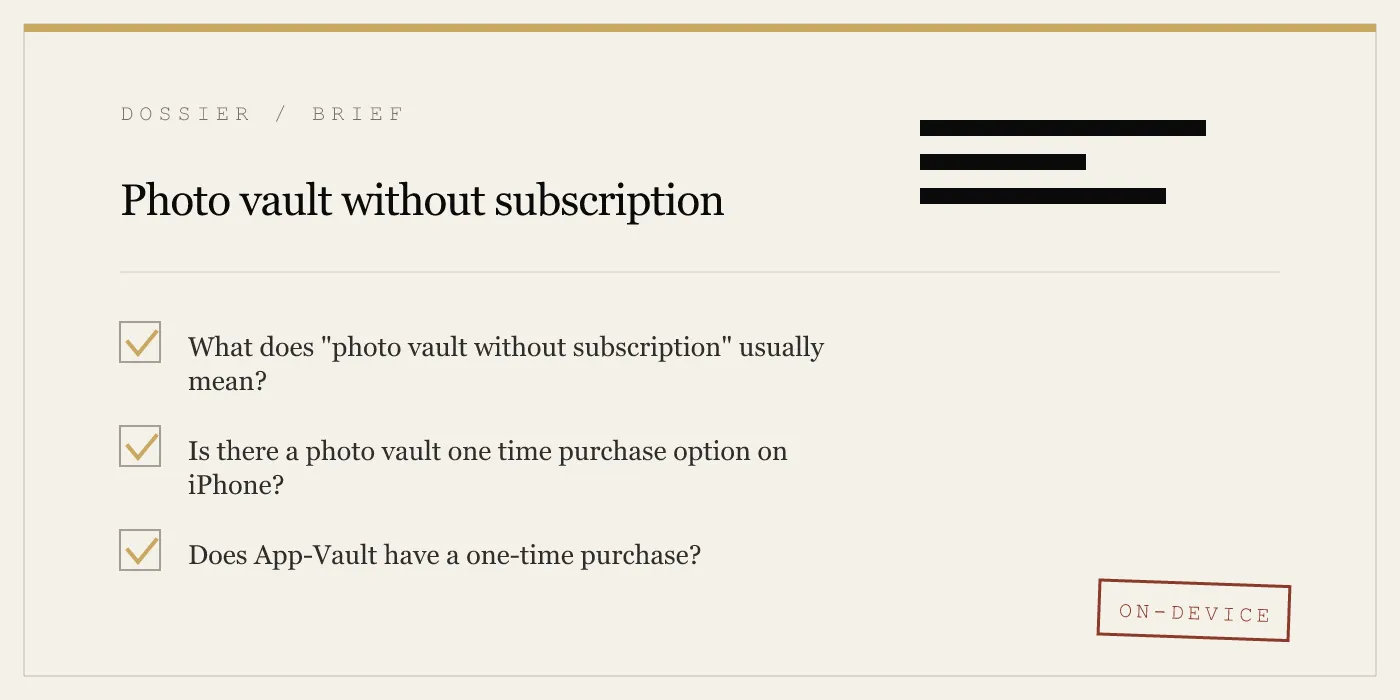
Most iPhone photo vault apps now use subscriptions, so a true photo vault without subscription usually means either a limited free tier or a one-time purchase if the app still offers one. App-Vault does not offer a one-time purchase; it offers a free tier for one file and Premium by subscription, while Keepsafe and Private Photo Vault are commonly searched alternatives with different trade-offs.
What “photo vault without subscription” actually means
This query usually hides three different intents:
- You want a vault with no recurring billing at all. That means a one-time purchase or lifetime unlock.
- You want to use a vault without paying yet. That means a real free tier, not a trial countdown.
- You want to avoid cloud dependence. That is a storage and privacy question, not a billing question.
Those are separate decisions. A one-time-purchase app can still be weakly documented. A subscription app can still be local-only. And Apple’s own hiding tools are free, but they are not the same as a dedicated encrypted vault.
For this page, we focus on the apps named in the search data for this topic: App-Vault, Vaultaire, Keepsafe, and Private Photo Vault.
Photo vault one time purchase: which apps fit
If your requirement is strict — no weekly, no yearly, no recurring renewal — then the first thing to verify is the app’s current App Store paywall.
App-Vault
App-Vault is not a one-time-purchase app. Its current pricing is:
| App-Vault plan | What it costs |
|---|---|
| Free | $0, one file in the vault |
| Weekly Premium | from $3.99 per week |
| Yearly Premium | from $29.99 per year with a 7-day free trial |
There is no monthly plan and no lifetime tier.
That matters because older roundups often lump App-Vault into the broader “without subscription” category when what they really mean is usable without subscribing immediately. That is true only in the narrow sense that the free tier works for one file.
Vaultaire
Vaultaire is commonly considered by users who want a more traditional pay-once model. On this page, the key distinction is simple: if your non-negotiable requirement is a one-time purchase, Vaultaire is closer to that intent than App-Vault.
The trade-off, based on the source material we already publish elsewhere, is documentation depth. App-Vault publishes specifics about its cryptography and threat model. Vaultaire is the simpler fit for the billing question, but not the stronger fit for users who want the security model laid out in detail.
Private Photo Vault
Private Photo Vault is often searched through its paid-tier name, Private Photo Vault Premium, rather than through the phrase “one-time purchase.” The problem is that “Premium” does not itself tell you the billing model. It only tells you there is a paid tier.
If your goal is a one-time unlock, confirm that directly on the current paywall before subscribing or buying.
Keepsafe
Keepsafe is usually part of this conversation because many users start there and later look for alternatives. But if your real goal is to eliminate any account relationship or cloud dependency, the billing model alone will not solve that. With Keepsafe, the bigger question is architecture, not just price.
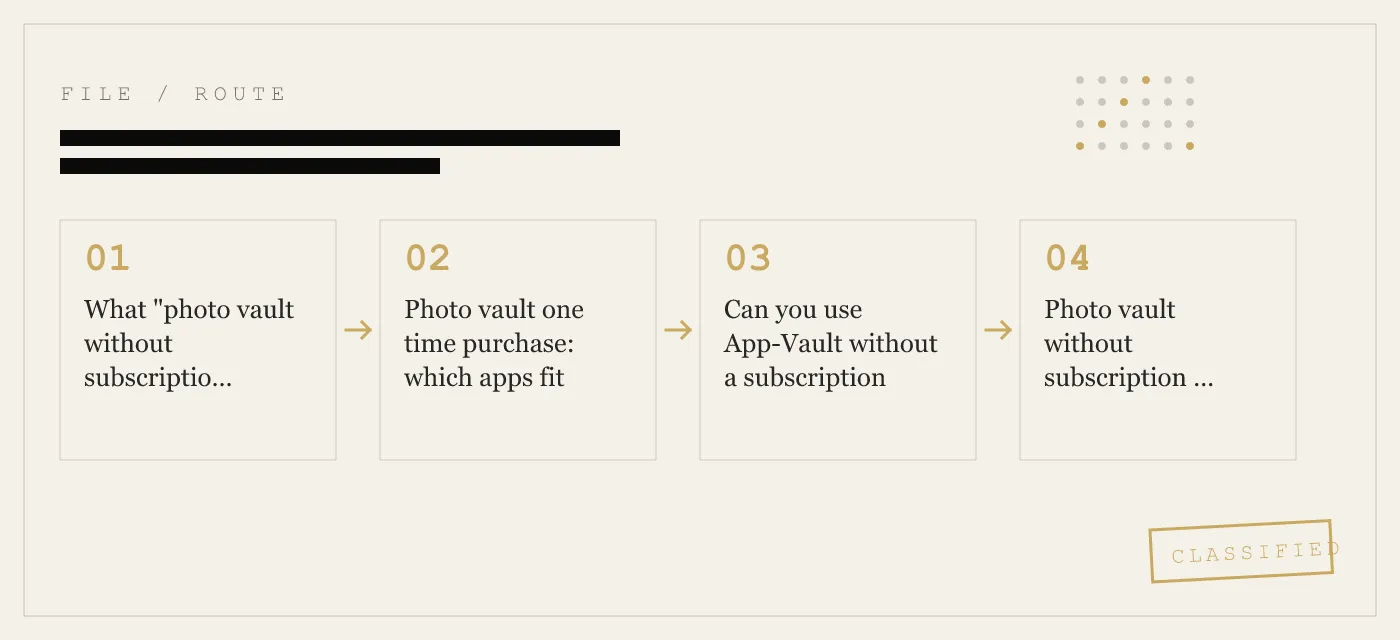
Can you use App-Vault without a subscription
Yes, App-Vault can be used without a subscription, but only for one file.
That free tier includes:
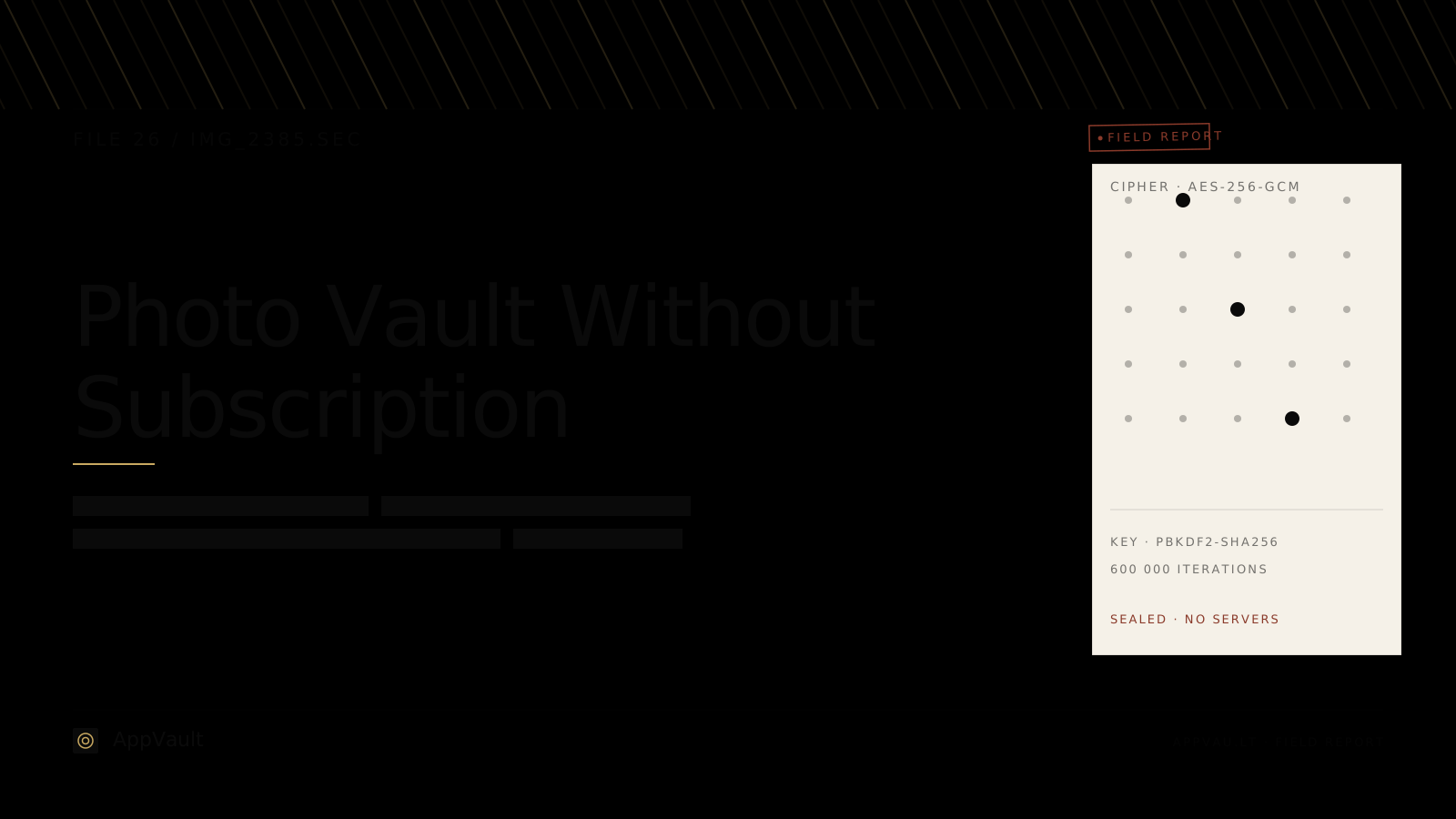
- AES-256-GCM encryption
- 5×5 pattern lock
- BIP-39 12-word recovery phrase
- Face ID quick re-unlock
- Exclusion from iCloud Backup
- No ads
- No account
That makes it a real test of the product, not a timer-based demo. You can verify the unlock flow, import flow, and recovery-phrase setup before paying.
What you do not get on the free tier:
- Unlimited files
- Calculator Launcher
- Decoy Vault
- Intruder Selfie
- File Shredder
Those require Premium.
Photo vault without subscription vs Apple’s Hidden album
A lot of people searching this query may not need a vault app at all.
If you only need casual privacy
Use Apple’s built-in Hidden album:
- Open Photos
- Select the photo or video
- Tap the More button
- Tap Hide
- In iOS, you can control visibility under Settings → Apps → Photos
- You can also require Face ID for the Hidden album through the same Photos settings area, depending on your iOS configuration
This is good for everyday privacy on a shared phone or when handing your phone to someone briefly.
If you need stronger separation
A dedicated vault changes the storage model. App-Vault’s model, as documented in its product and security pages, is a separate on-device encrypted container that is excluded from iCloud Backup and iTunes/Finder backups. The vault key is tied to the pattern you draw, not to your phone passcode alone.
That is materially different from simply hiding items inside the Photos app.
Honest limitation
No app-level vault solves every threat. App-Vault explicitly says it does not defend against:
- A coerced unlock
- A compromised or jailbroken device
- A forgotten pattern without the recovery phrase
- A lawful order directed at you personally to unlock the vault
- Future cryptographic breaks
That limitation matters more than the billing model.
Private Photo Vault Premium: what users usually mean
Private Photo Vault Premium means the paid version of Private Photo Vault. In search behavior, people often use that phrase for at least three different questions:
1. “Is Private Photo Vault Premium worth paying for?”
That depends on what you need from the app: free storage volume, ad removal, paid-only features, or a specific unlock flow. The source article’s main point here is that Private Photo Vault has historically appealed to users who want a generous free tier first and then upgrade later.
2. “Is Private Photo Vault Premium a subscription or a one-time purchase?”
You should verify the current paywall directly. “Premium” is a feature label, not a billing answer.
3. “How does Private Photo Vault Premium compare with App-Vault?”
At a high level:
| Question | App-Vault | Private Photo Vault |
|---|---|---|
| Can I use it free? | Yes, one file | Yes, users often choose it for its free-tier appeal |
| No account required? | Yes | Check the current feature path you plan to use |
| Ads in free use? | No | Free-tier trade-offs are part of its appeal model |
| Published crypto detail? | Yes, documented publicly | Not documented at the same depth in our source material |
| On-device focus? | Yes | Varies by how you use the app and which features matter to you |
If your priority is a clearly documented local-only model, App-Vault is easier to evaluate. If your priority is a broad free experience before paying, Private Photo Vault is why many users search for “premium” comparisons in the first place.
App-Vault, Vaultaire, Keepsafe, and Private Photo Vault compared
Here is the shortest useful comparison for the queries this page already ranks for.
| Criterion | App-Vault | Vaultaire | Keepsafe | Private Photo Vault |
|---|---|---|---|---|
| Usable without paying | Yes, one file | Check current free tier | Check current free path | Commonly considered for free-tier use |
| One-time purchase focus | No | Closer fit for that intent | Not the main reason to choose it | Must verify current paywall |
| Account required | No | See current App Store flow | Architecture is the bigger issue for many users | Depends on feature path |
| Cloud dependence | No server that holds vault contents | Compare current storage model | Often evaluated for convenience features, not strict local-only use | Depends on what features you use |
| Published security detail | Strongest documentation on this page | Less detailed documentation | Less primary-source detail in our source material | Less primary-source detail in our source material |
Why App-Vault is still in this conversation
At first glance, App-Vault seems like a poor match for “photo vault one time purchase” because it does not offer one. That is true.
But App-Vault still belongs in this page because many users searching “photo vault without subscription” do not actually mean “must have lifetime pricing.” They mean one of these:
- “Can I try it without paying”
- “Can I keep a small number of files without subscribing”
- “Can I avoid an account”
- “Can I avoid cloud storage”
- “Can I avoid ads”
For those users, App-Vault is relevant because the free tier is functional, the app requires no account, and the vault stays on device.
App-Vault’s strongest points
- Published AES-256-GCM file encryption
- PBKDF2-SHA256 key derivation from a 5×5 pattern
- Secure Enclave key wrapping
- Vault excluded from iCloud Backup and iTunes/Finder backups
- No account
- No server that holds vault contents
- No ads
- Calculator Launcher and Decoy Vault available on Premium
App-Vault’s real limitations
- No one-time purchase
- Free tier holds only one file
- No cloud backup of vault contents
- No recovery if you forget the pattern and did not keep the recovery phrase
- Not a defense against coercion or device compromise
Those trade-offs are explicit in App-Vault’s own documentation, and we think that is better than pretending every vault solves the same problem.
If your priority is price model, use this decision guide
Choose App-Vault if:
- You want to test a vault without paying first
- You want no account
- You want local-only storage
- You care about published cryptographic specifics
- You are fine with a one-file free cap before deciding
Choose Vaultaire if:
- Your main requirement is closer to a one-time-purchase model
- You want a simpler billing story than App-Vault offers
- You are comfortable with less public documentation detail
Look closely at Keepsafe if:
- You prioritize convenience features over strict local-only design
- You are already in its ecosystem and comparing whether it is worth staying
- Your real question is sync and workflow, not just billing
Look closely at Private Photo Vault if:
- You are specifically searching for Private Photo Vault Premium
- You want to understand the gap between its free and paid experience
- You are comparing a broader free-tier experience against App-Vault’s narrower but cleaner one-file free tier
Setup and switching tips on iPhone
If you are moving from one vault to another, the migration path is usually manual.
Export from the old app
Most users export back to either:
- Photos
- Files
Import into the new app
In App-Vault, the documented import sources are:
- Photos
- Files
- Camera
During import, App-Vault encrypts each file on device and writes ciphertext to its container. After that, iOS requires a user confirmation before the original item is deleted from Photos. Apple does not allow apps to silently delete your photo library items.
Then verify the original is gone
For stronger separation, check all three places:
- Photos
- Hidden album
- Recently Deleted in Photos
And if you use Apple’s built-in hiding first, remember that hiding in Photos is not the same as moving into a separate vault.
Our bottom line on these queries
For photo vault without subscription, the best answer is: define what you mean first. If you mean no recurring billing ever, App-Vault is not the answer because it has no lifetime tier. If you mean usable before subscribing, App-Vault does qualify through its one-file free tier.
For photo vault one time purchase, focus on apps whose current paywalls still offer it and verify inside the App Store before you commit.
For Private Photo Vault Premium, treat “Premium” as the name of a paid tier, not as proof of a specific billing model. Then compare that paid tier against what you actually need: free capacity, no ads, no account, local-only storage, or documented cryptography.
Other lists on this site
This page is for the pricing-model question. If your real priority is different, these pages are more useful:
- Best free iPhone photo vault apps — ranked by free-tier generosity, file caps, ads, and account requirements
- Best secure photo vault apps for iPhone — ranked by encryption and architecture
- Easiest photo vault apps for iPhone — ranked by setup simplicity
For direct comparisons, see App-Vault vs Vaultaire and App-Vault vs Keepsafe.
Sources
- Apple App Store: published app listings and developer-disclosed privacy labels
- NIST FIPS 197: Advanced Encryption Standard
- IETF RFC 5116: An Interface and Algorithms for Authenticated Encryption
- OWASP: Password Storage Cheat Sheet
- Apple Platform Security guide: Secure Enclave
DIAGRAM · 02
DOSSIER
QUESTIONS
9 sharp answers.
-
01 Is App-Vault really free to use, or is there a catch?
Yes, App-Vault can be used without a subscription, but the free tier is limited to one file. It still includes AES-256-GCM encryption, the 5×5 pattern lock, a 12-word recovery phrase, Face ID quick re-unlock, and exclusion from iCloud Backup. -
02 Does App-Vault offer a photo vault one time purchase?
No. App-Vault does not offer a one-time purchase or lifetime tier. The paid options are Weekly Premium from $3.99 per week and Yearly Premium from $29.99 per year with a 7-day free trial for new subscribers. -
03 Which app on this page is best if I specifically want a photo vault without subscription?
If you mean no recurring billing at all, App-Vault is not that app because its paid tier is subscription-based. If you mean you want to test a vault without paying first, App-Vault does that with a one-file free tier. -
04 What is Private Photo Vault Premium?
Private Photo Vault Premium is the paid tier of Private Photo Vault. The first thing to check is whether the current paywall offers subscription pricing, a one-time unlock, or both, because users often search the name without meaning a specific billing model. -
05 Do photo vault apps without subscriptions include cloud backup?
Usually that is the trade-off. App-Vault keeps the vault on device, excludes it from iCloud Backup and iTunes/Finder backups, and runs no server that holds vault contents, so there is no off-device copy by default. -
06 Can I transfer photos from one vault app to another?
Yes. Export from the old vault to Photos or Files, then import into the new vault. On iPhone, expect at least one manual confirmation step when deleting originals from the Photos library because iOS does not allow silent photo deletion by apps. -
07 Is a free photo vault less secure than a paid one?
Not necessarily. Security depends on the app's architecture, encryption, and key handling, not on whether you pay once, pay yearly, or stay on a free tier. -
08 What happens if I forget my App-Vault pattern?
If you forget the pattern and did not write down the recovery passphrase, the vault stays sealed. App-Vault states there is no recovery process without the correct pattern or recovery phrase. -
09 Can I hide photos on iPhone without any vault app at all?
Yes. You can use Apple's Hidden album for basic privacy, but it is not the same as a separate encrypted vault. It is best for casual hiding, not for the stronger separation a dedicated vault is designed to provide.
RELATED DOSSIERS
Keep reading.
9 ENTRIES
- LINK / 01 · BEST OF
Best free iPhone photo vault apps
Ranked by free-tier generosity — file limits, ads, account requirements.
- LINK / 02 · BEST OF
Best secure photo vault apps for iPhone
Ranked by cryptographic strength — cipher, key derivation, audit status.
- LINK / 03 · BEST OF
Easiest photo vault apps for iPhone
Ranked by UX simplicity — onboarding time, screen clarity, non-technical suitability.
- LINK / 04 · ALTERNATIVES
Keepsafe alternatives
Switching off Keepsafe? Here are options without mandatory subscriptions.
- LINK / 05 · COMPARE
App-Vault vs Vaultaire
Head-to-head with the closest competitor on lifetime pricing and encryption.
- LINK / 06 · COMPARE
App-Vault vs Keepsafe
How the category leader compares on pricing, architecture, and data practices.
- LINK / 07 · ALTERNATIVE
LockMyPix alternative for iPhone
Need a LockMyPix alternative on iPhone? We compare App-Vault, Keepsafe, Vaultaire, and Private Photo Vault on security, pricing, and fit.
- LINK / 08 · ALTERNATIVE
Private Photo Vault Alternatives: Ad-Free Options for Hiding Photos on iPhone
Looking for a Private Photo Vault alternative? Compare ad-free, privacy-focused options for hiding photos on iPhone. Find the right vault app for your needs.
- LINK / 09 · ALTERNATIVE
Vaultaire Alternative: App-Vault vs Vaultaire
Looking for a Vaultaire alternative on iPhone? Compare App-Vault vs Vaultaire on local storage, disguise features, pricing, and cryptography.
GET STARTED
Seal the vault.
Free to download. The free tier holds one file. Premium removes the limit — Weekly from $3.99 or Yearly from $29.99 with a 7-day free trial.