FILE G2 / PRIVACY / iOS
How to Hide Videos on iPhone: Three Methods That Actually Work
Hiding a video on an iPhone is not a single action. Apple gives you a built-in Hidden Album, but it has serious privacy gaps. Third-party vault apps offer real encryption but demand a different threat model. This guide compares both approaches, explains the cryptography behind vault apps, and helps you choose the right method for your specific need.
UPDATED · 2026-05-16 · REVIEWED BY APP-VAULT
TL;DR
You can hide videos on iPhone using the Hidden Album (no password by default, visible in Settings) or a dedicated vault app (AES-256-GCM encryption, password-protected, decoy options). Vault apps are necessary if you need to protect videos from anyone who can access your unlocked phone or your iCloud account.
Apple gives you a Hidden Album. It works for videos, but it is not private. The album has no password. Anyone with your unlocked phone can open it. The album can be hidden from the Photos tab, but the toggle is in Settings > Photos, and anyone who knows that setting exists can turn it back on.
For real privacy, you need a vault app. Vault apps encrypt video files, lock them behind a password or biometric, and remove the originals from the camera roll. Some even disguise themselves as a calculator to avoid detection.
This article covers both methods. It explains the technical limits of each, the encryption that makes vault apps secure, and how to choose based on your actual threat model.
Apple’s Hidden Album: What It Does and What It Doesn’t
The Hidden Album is a system folder inside the Photos app. When you hide a video, iOS moves it out of the main camera roll and into this folder. The folder does not appear in the Photos tab by default, but you can show it by tapping the ellipsis menu and toggling “Show Hidden Album.”
How to hide a video using the Hidden Album:
- Open the Photos app.
- Tap Select and choose the video.
- Tap the Share icon (square with arrow).
- Scroll down and tap Hide.
- Confirm.
The video disappears from your main camera roll. It is still on your device, still in iCloud if you have iCloud Photos enabled, and still accessible to anyone who knows the Hidden Album exists.
Limitations:
- No password protection. Anyone with your unlocked phone can open the Hidden Album.
- The Hidden Album toggle in Settings > Photos can be turned on by anyone who has physical access to your phone and knows where to look.
- Videos remain in the Photos library metadata. They appear in Memories, search results, and third-party apps that access the full photo library (unless you revoke that permission).
- If you share your iCloud account with someone, they can see hidden videos in their own Photos app if iCloud Photos is on.
For many people, the Hidden Album is enough. It keeps videos out of sight during casual scrolling. But it does not protect against a determined person with access to your unlocked phone.
Vault Apps: Real Encryption for Videos
A vault app is a sandboxed container that stores encrypted video files. When you import a video, the app copies the file into its own storage, encrypts it, and then deletes the original from the camera roll (with your confirmation). The video no longer appears in Photos, Camera Roll, or any other app.
The best vault apps use the same cryptography that governments and banks use: AES-256 in Galois/Counter Mode (GCM). Each file gets a unique 96-bit nonce, which prevents attackers from comparing encrypted files to guess content. The encryption key is derived from your password using PBKDF2-SHA256 with 600,000 iterations. This makes brute-force attacks computationally infeasible.
App-Vault, for example, binds the derived key to the iPhone’s Secure Enclave. The Enclave generates a hardware-specific key that never leaves the chip. Even if an attacker extracts the encrypted vault file from the device’s storage, they cannot decrypt it without the Enclave key.
The cryptography stack is published with primary-source citations:
- AES specification (NIST FIPS 197)
- AES-GCM AEAD (RFC 5116)
- Apple Secure Enclave
- OWASP Password Storage Cheat Sheet
App-Vault makes zero network calls by default. There are no servers to hack, no telemetry to leak. Encrypted iCloud Backup is opt-in, and files are sealed with a separate per-device backup key before upload. Apple receives only ciphertext.
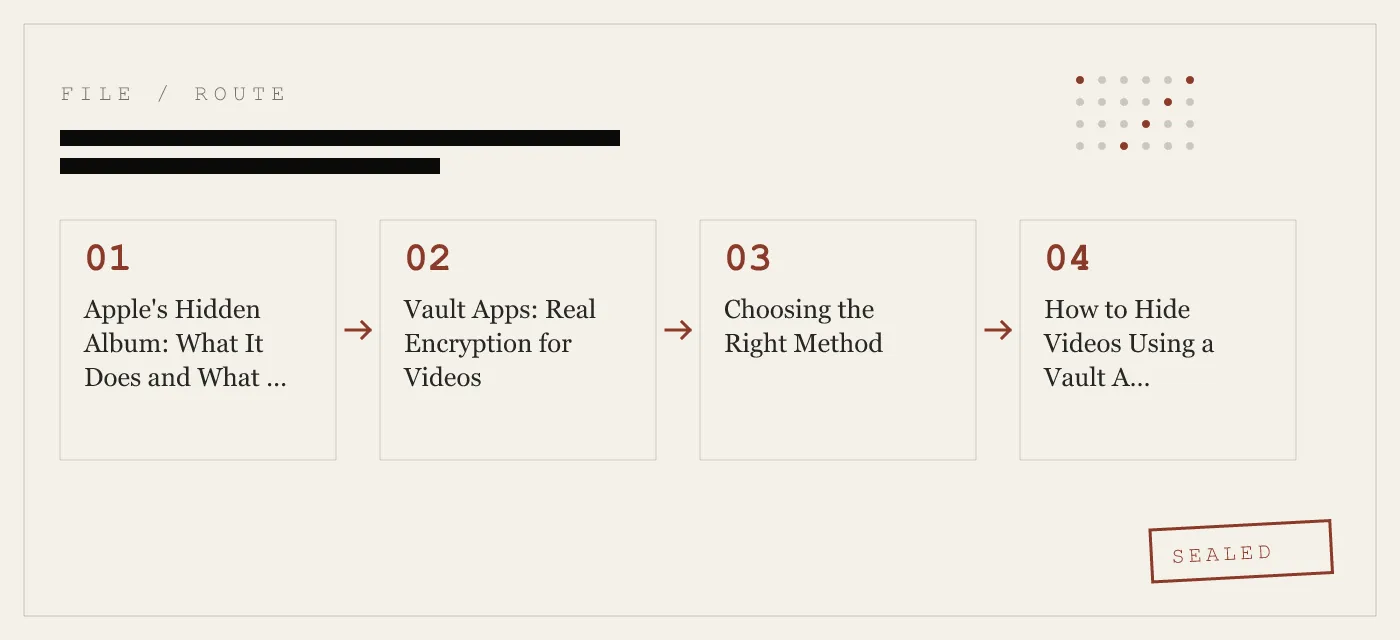
Choosing the Right Method
Your choice depends on who you are hiding videos from.
- From a casual browser (friend looking through your camera roll): The Hidden Album is sufficient. It removes the video from the main view.
- From a family member who shares your iCloud account: The Hidden Album is not safe. They can see the hidden folder. Use a vault app.
- From a customs officer or border agent: A vault app with a decoy vault is the only option. The decoy vault opens with a second pattern and shows innocuous content. The real vault stays sealed.
- From a child using a shared iPad: A vault app with a decoy vault works well. The child sees the decoy album; the main vault is password-protected.
- From a thief who steals your phone: A vault app with encryption protects the data even if the device is jailbroken. The Hidden Album offers no protection.
- From a legal demand or subpoena: No consumer app can protect against a court order. Vault apps can only provide technical resistance. App-Vault’s zero-knowledge architecture means we cannot decrypt your data even if compelled.
Be honest about the limits. A vault app cannot stop someone from watching over your shoulder as you enter your password. It cannot prevent a determined attacker from using a keylogger or screen recording malware (though iOS sandboxing makes that difficult). And if you forget your vault password, the data is permanently gone. App-Vault offers an optional written recovery passphrase during setup, but there is no password reset.
How to Hide Videos Using a Vault App (App-Vault Example)
The exact steps vary by app, but the pattern is consistent.
- Download and install the vault app.
- Set a master password or pattern. App-Vault uses a 5×5 pattern lock that converts your pattern into a PBKDF2 key.
- Import videos from the camera roll. The app will prompt you to delete the originals.
- Optionally, set up a decoy vault with a second pattern.
- Optionally, enable the Calculator Launcher to disguise the app as a calculator. Long-press the equals key to enter the vault.
The vault app stores the encrypted videos in its own sandbox. They are invisible to Photos, Files, and any other app. Even if someone connects your iPhone to a computer, they cannot see the vault contents without the password.
Common Questions About Hiding Videos on iPhone
Can I hide videos from my gallery without an app?
Only the Hidden Album. There is no other built-in method. You cannot password-protect individual videos or folders in iOS without a third-party app.
How do I hide WhatsApp videos from my gallery?
If WhatsApp saves videos to the Photos app, you can hide them using the Hidden Album. Alternatively, disable auto-save in WhatsApp Settings > Chats > Save to Photos. For videos already saved, a vault app can import and encrypt them.
Will hiding videos affect my iCloud backup?
Hidden videos in the Hidden Album are included in iCloud backups. Vault app data is only included if the app supports encrypted iCloud Backup and you have opted in. App-Vault’s encrypted backup uses a separate per-device key, so Apple cannot read the files.
Can I recover hidden videos after a factory reset?
Only if you have a backup. If you used the Hidden Album, restore from an iCloud or computer backup. If you used a vault app without encrypted backup, the data is lost.
Are vault apps detectable on the home screen?
Some vault apps disguise themselves. App-Vault’s Calculator Launcher is a fully functional iOS calculator. It only opens the vault when you long-press the equals key. This design passes Apple guideline 4.3 (alternate icons) and avoids raising suspicion.
What App-Vault Does Not Defend Against
No product is perfect. App-Vault does not protect against:
- Shoulder-surfing: someone watching you enter your pattern.
- Keyloggers or screen recording: iOS sandboxing makes this very difficult, but not impossible on jailbroken devices.
- Legal compulsion: a court order can force you to unlock the vault.
- Physical coercion: if someone forces you to open the vault, the decoy vault can help, but the real vault remains sealed only if you do not reveal the real pattern.
App-Vault publishes its full threat model so you can make an informed decision.
Summary
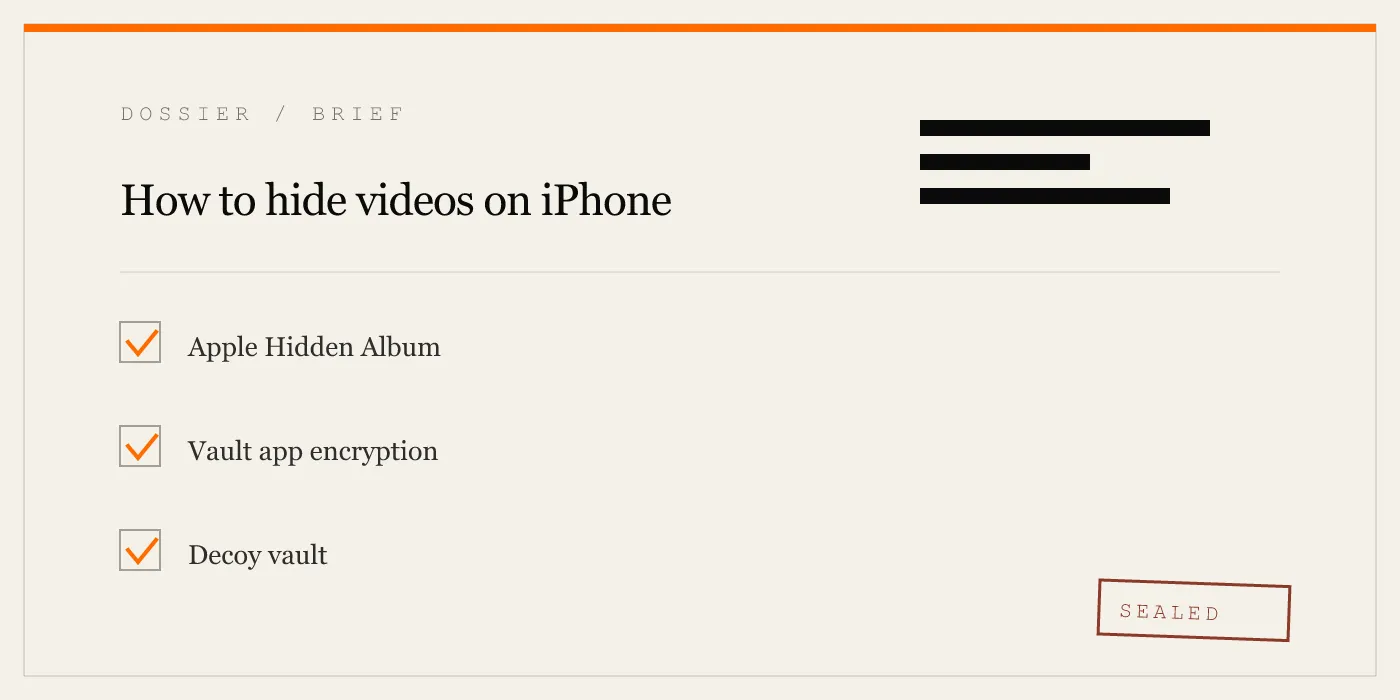
To hide videos on an iPhone, you have two real options:
- Apple’s Hidden Album – quick, free, no password. Suitable for casual hiding from a friend scrolling through your camera roll. Not suitable for anyone who knows the Hidden Album exists.
- Vault app – encrypts videos, password-protected, decoy options. Necessary for protection against family members, border agents, thieves, or anyone with access to your unlocked phone.
Choose the method that matches your threat model. If you need real encryption, use a vault app that publishes its cryptography stack and makes zero network calls. App-Vault is one such app, but the category includes others like Vaultaire and Keepsafe. Compare their architectures before deciding.
DIAGRAM · 01
DOSSIER
QUESTIONS
10 sharp answers.
-
01 How do I hide a video on my iPhone using the Hidden Album?
Open the Photos app, tap Select, choose the video, tap the Share icon, then scroll down and tap Hide. The video moves to the Hidden Album. To unhide, open the Hidden Album, tap Select, choose the video, tap Share, then Unhide. -
02 Can I password-protect the Hidden Album?
No. iOS does not allow a password on the Hidden Album. You can only hide the album itself from the main Photos tab by going to Settings > Photos and toggling off Show Hidden Album. But anyone who knows that setting exists can turn it back on. -
03 Do vault apps hide videos from the camera roll?
Yes. When you import a video into a vault app, the app deletes the original from the camera roll (with your confirmation) and stores an encrypted copy inside its own sandboxed storage. The video no longer appears in Photos, Camera Roll, or any other app. -
04 What encryption do vault apps use?
The most secure vault apps use AES-256 in Galois/Counter Mode (GCM) with a unique 96-bit nonce per file. Key derivation follows PBKDF2-SHA256 with 600,000 iterations and a per-install salt. The derived key is then wrapped by the iPhone's Secure Enclave, meaning the key never leaves the chip. -
05 Can I hide videos from WhatsApp in my iPhone gallery?
Yes. If WhatsApp saves videos to the Photos app, you can hide them using the Hidden Album. Alternatively, you can configure WhatsApp to not auto-save media (Settings > Chats > Save to Photos). For videos already saved, a vault app can import and encrypt them. -
06 Is there a way to hide videos without an app?
Only the Hidden Album. There is no other built-in method. You cannot password-protect individual videos or folders in iOS without a third-party app. -
07 What happens if I forget my vault app password?
Most vault apps have no password reset mechanism. The data is permanently lost. Some apps offer an optional written recovery passphrase generated during setup. Write it down and store it securely. -
08 Can hidden videos be recovered after factory reset?
If you back up your iPhone to iCloud or a computer, hidden videos in the Hidden Album are included in the backup. Vault app data is only included if the app supports encrypted iCloud Backup and you have opted in. Without a backup, a factory reset destroys all vault data. -
09 Do vault apps work on shared iPads?
Yes. Vault apps are a common solution for family iPads where multiple people use the same device. A decoy vault can show a separate album to a child while the main vault stays locked. -
10 Are vault apps detectable on the home screen?
Some vault apps disguise themselves as a calculator or other utility. For example, App-Vault's Calculator Launcher is a fully functional iOS calculator that only opens the vault when you long-press the equals key. This passes Apple guideline 4.3 (alternate icons) and avoids raising suspicion.
RELATED DOSSIERS
Keep reading.
9 ENTRIES
- LINK / 01 · FEATURE
Calculator Launcher
A fully functional iOS calculator that opens the vault with a long-press on the equals key.
- LINK / 02 · FEATURE
Decoy Vault
A second 5×5 pattern that opens a separate, mathematically independent vault catalog.
- LINK / 03 · CONCEPT
Pattern Lock
How a 5×5 grid translates into a PBKDF2 key.
- LINK / 04 · CONCEPT
AES-256-GCM Encryption
The full cryptography stack — cipher, nonce, key derivation, Secure Enclave binding.
- LINK / 05 · CONCEPT
Zero-knowledge architecture
Why App-Vault cannot read your vault even if it wanted to.
- LINK / 06 · CONCEPT
Threat model
What App-Vault defends against and what it does not.
- LINK / 07 · GUIDE
How to Lock Photos on iPhone Without Getting Fooled by Half-Protection
Three independent methods to lock photos on iPhone: Face ID Hidden Album, Screen Time restrictions, and third-party app vaults like App-Vault.
- LINK / 08 · GUIDE
iCloud Encryption Explained — What Apple Protects, What It Does Not
iCloud encryption explained: standard vs Advanced Data Protection, which data Apple can read, which stays sealed, and where third-party vaults fit.
- LINK / 09 · GUIDE
Is Apple Hidden Album safe on iPhone?
Apple's Hidden album hides photos from view, but it is not a separate encrypted vault. See what it protects, what still syncs, and better options.
GET STARTED
Seal the vault.
Free to download. The free tier holds one file. Premium removes the limit — Weekly from $3.99 or Yearly from $29.99 with a 7-day free trial.